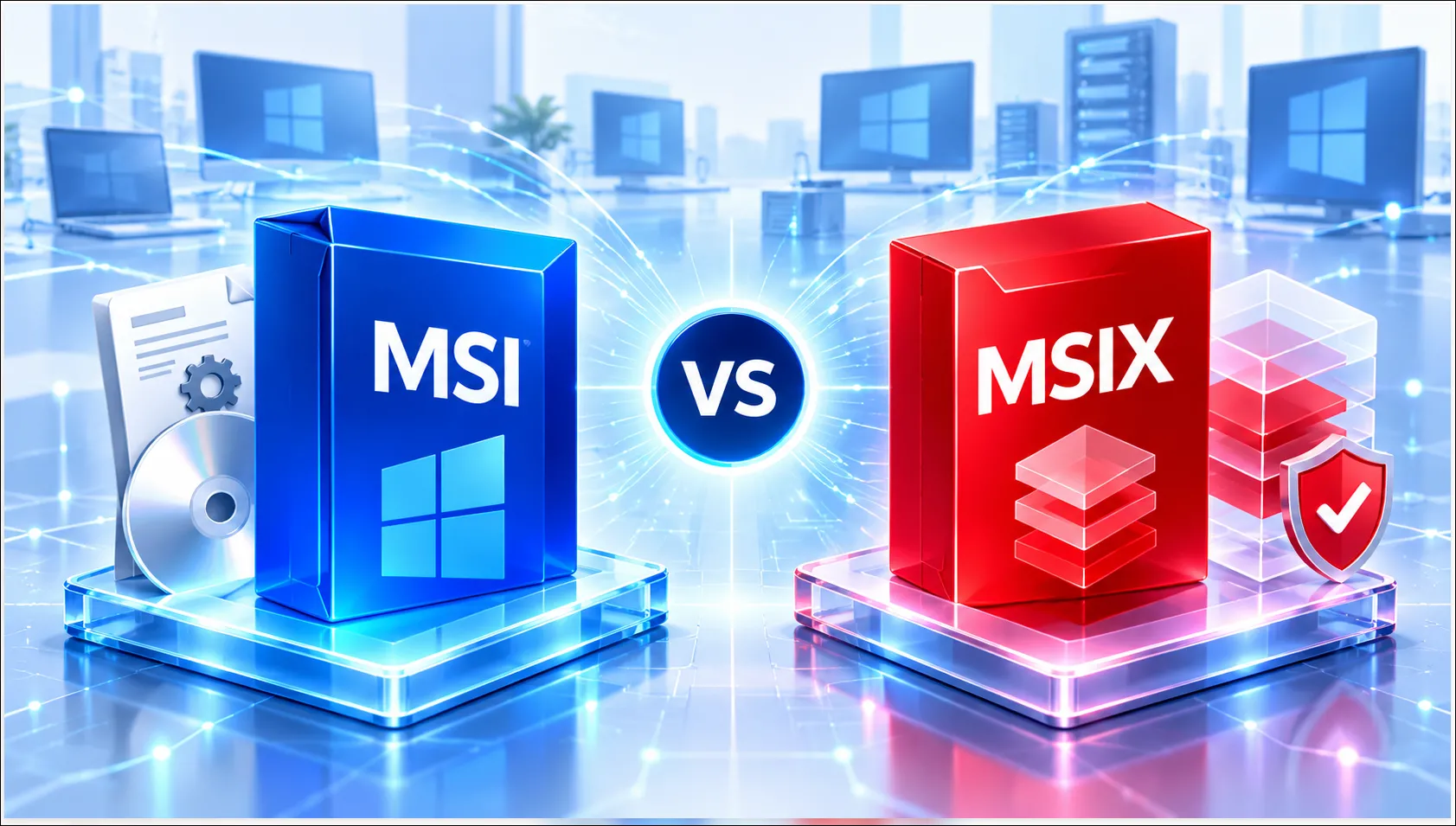
Understanding MSI and MSIX Application Packaging
Choosing the right application packaging format is essential for reliable enterprise software deployment. MSI and MSIX are two Microsoft Windows application packaging technologies that help organizations install, manage, and deploy applications across enterprise environments.
MSI remains a widely adopted packaging format for traditional Windows applications, while MSIX offers a modern packaging approach with enhanced package integrity, application isolation capabilities, and cleaner installation and removal.
At APP Packagers, we help organizations assess application requirements and select the appropriate packaging technology to support compatibility, modernization, and reliable enterprise deployment.
What Is MSI Application Packaging?
MSI (Windows Installer) is a traditional Windows installation package format designed to standardize software installation, configuration, maintenance, and removal.
MSI packaging is widely used in enterprise environments because it supports automated deployment and extensive customization.
Key Benefits of MSI
- Broad Compatibility: Supports a wide range of traditional Windows applications.
- Silent Installation: Enables unattended software installation.
- Flexible Customization: Supports MST transforms, registry changes, shortcuts, and custom actions.
- Enterprise Deployment: Integrates with Microsoft Intune and SCCM/MECM.
- Application Maintenance: Supports repairs, upgrades, and uninstallation.
MSI is particularly suitable for legacy applications and software requiring complex installation configurations.
What Is MSIX Application Packaging?
Microsoft MSIX is a modern Windows application packaging format designed to provide a more controlled, secure, and reliable application installation experience.
MSIX combines modern packaging capabilities with package integrity, application isolation, and predictable application lifecycle management.
Key Benefits of MSIX
- Modern Packaging: Standardized application installation and management.
- Package Integrity: Uses signed packages and integrity validation.
- Application Isolation: Helps reduce certain application conflicts.
- Cleaner Uninstallation: Minimizes unwanted installation artifacts.
- Controlled Updates: Supports modern application update mechanisms.
- Modern Endpoint Management: Supports suitable Windows application deployment scenarios.
MSIX is a strong option for organizations modernizing compatible Windows applications.
MSI vs MSIX: Key Differences
| Feature | MSI | MSIX |
| Packaging Approach | Traditional Windows Installer | Modern Windows packaging |
| Application Compatibility | Broad traditional Win32 support | Requires application suitability assessment |
| Installation | Traditional installer-based | Controlled package-based |
| Application Isolation | Limited by default | Built-in isolation capabilities |
| Customization | Extensive MSI/MST customization | More controlled package customization |
| Uninstallation | Depends on installer design | Designed for cleaner removal |
| Best Suited For | Legacy and complex applications | Compatible modernized applications |
When Should You Choose MSI or MSIX?
Choose MSI when:
- Applications require traditional Windows Installer functionality.
- Complex installation customization is necessary.
- Legacy application compatibility is a priority.
- Existing enterprise deployment processes depend on MSI.
Choose MSIX when:
- Applications are compatible with the MSIX packaging model.
- Modern application packaging is a business priority.
- Cleaner installation and removal are required.
- Application isolation and package integrity are important.
- Organizations are modernizing their Windows application estate.
Important: Not every MSI or EXE application can be successfully converted to MSIX without modification. Application compatibility and technical requirements should always be assessed before conversion.
How APP Packagers Can Help
APP Packagers provides specialized MSI and MSIX Application Packaging Services to help organizations standardize, modernize, and prepare applications for enterprise deployment.
Our expertise includes:
- MSI Application Packaging: Creating, customizing, and testing enterprise-ready MSI packages.
- MSIX Application Packaging: Preparing suitable applications for modern Windows deployment.
- EXE to MSI Conversion: Standardizing supported application installers.
- MSI to MSIX Conversion: Assessing and converting suitable legacy packages.
- Application Discovery & Assessment: Identifying dependencies, compatibility requirements, and packaging risks.
- Application Testing & Remediation: Validating installation, functionality, updates, and removal.
- Microsoft Intune & SCCM/MECM Packaging: Preparing applications for centralized enterprise deployment.
Whether your organization needs to maintain traditional MSI packages or adopt MSIX, APP Packagers helps select the right packaging approach based on application requirements.
Conclusion
Both MSI and MSIX play important roles in enterprise application packaging.
MSI provides flexibility and broad compatibility for traditional Windows applications, while MSIX offers modern packaging capabilities with improved package integrity, isolation, and cleaner application management.
The best choice depends on application compatibility, installation requirements, deployment infrastructure, and modernization goals.
APP Packagers helps organizations package, modernize, test, and deploy Windows applications with confidence.