
Microsoft Intune provides a modern, cloud-based platform for deploying, managing, updating, and monitoring applications across enterprise endpoints.
For application delivery, Intune enables IT teams to centrally distribute business applications to managed user devices without relying on traditional on-premises deployment methods.
Applications can be assigned as Required, Available, or Uninstall, providing organizations with flexible control over how software reaches end users.
Automatically install for assigned users and devices.
Make the application available for users to install.
Remove the application from assigned devices.
One Platform for Modern Endpoint Management

Enroll and manage corporate and supported personal devices with organizational configuration and security policies.

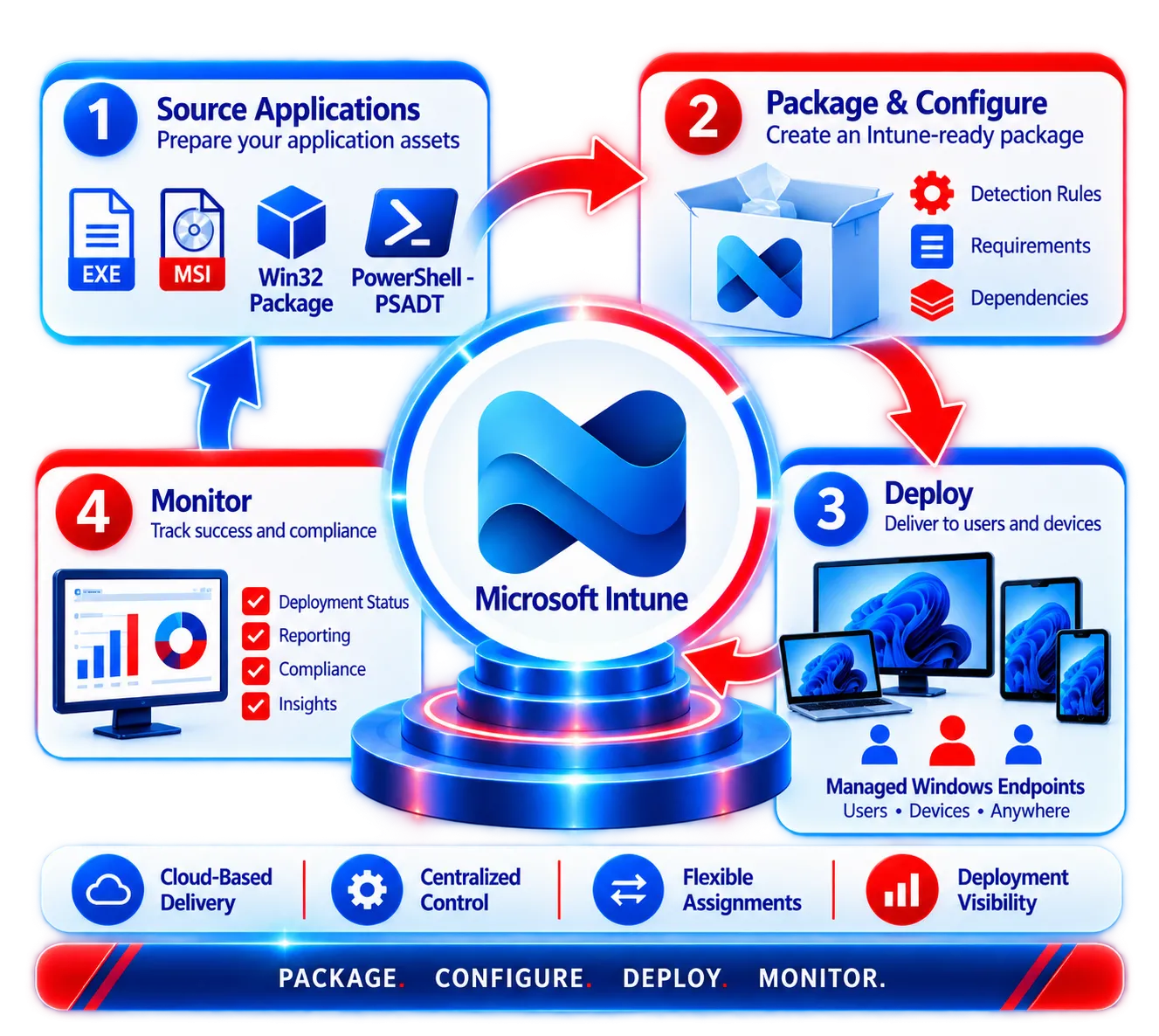
Prepare enterprise applications for automated Intune deployment, including Win32 applications.

Apply standardized endpoint settings and configurations across managed devices.


Deploy, configure, update, monitor, and remove business applications across managed endpoints.

Define compliance policies and evaluate endpoints against organizational security requirements.

Protect business data with application protection policies.

Monitor application deployment, device compliance, configuration status, and endpoint-management activities centrally.
Transform Traditional Installers into Intune-Ready Applications
Many enterprise applications originate as:
 EXE
 MSI
 Scripts
 Vendor

Prepare installation sources as intunewin packages

Deploy and manage Win32 applications

Securely deploy to your organization
Correct configuration ensures the right app installs on the right device — and reports deployment success.
Some enterprise applications require more than a simple installation command.
PowerShell App Deployment Toolkit (PSADT) can be used as part of an Intune application deployment strategy where additional scripting or deployment orchestration is required.

Application package
(EXE or MSI)
PowerShell automation
and deployment logic

Deploy through
Microsoft Intune
Windows devices across
your organization









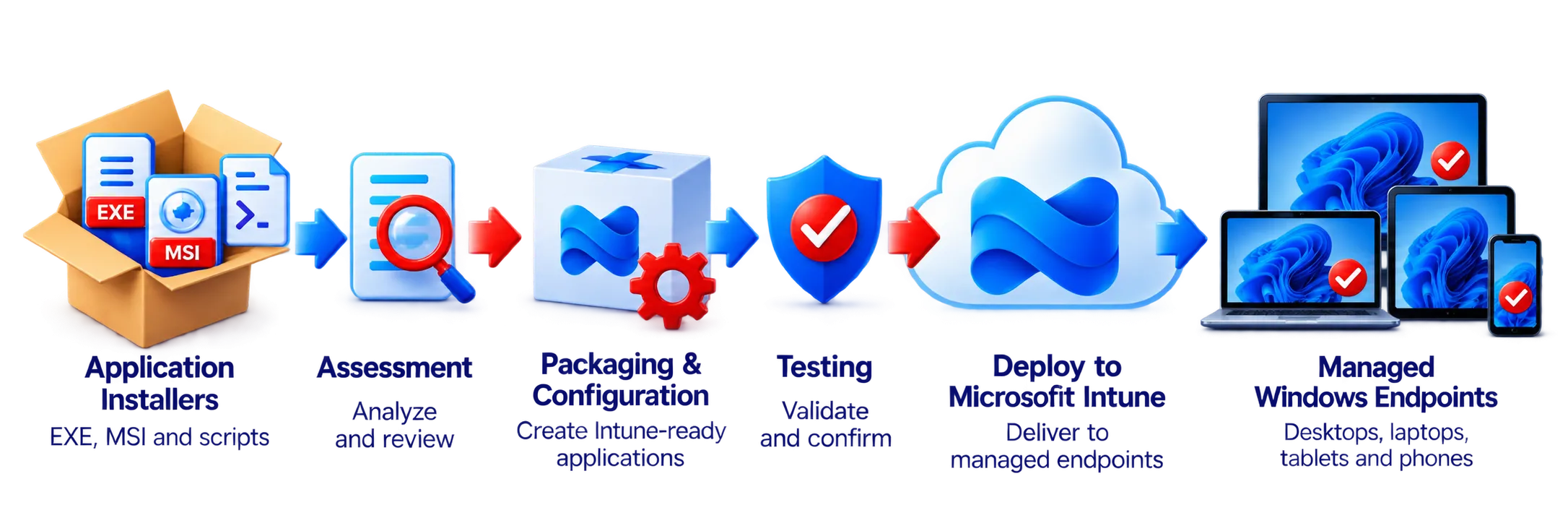
APP Packagers helps organizations prepare applications for enterprise delivery through Microsoft Intune.

EXE, MSI and script installers

Assessment → Packaging → Configuration
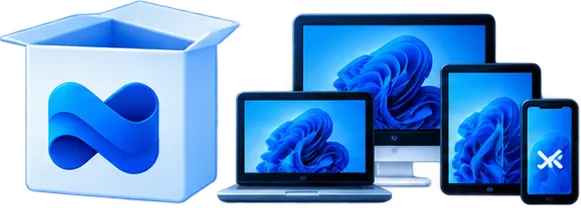
Deploy to managed Windows endpoints

Analyze application behavior, dependencies, prerequisites, and deployment requirements.
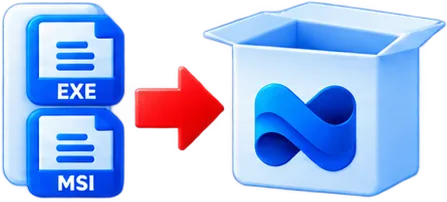
Prepare suitable applications as intunewin packages.

Develop reliable install and uninstall commands.

Configure application-specific deployment logic.

Identify and configure prerequisite relationships.
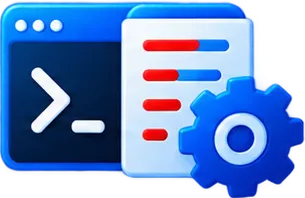
Build deployment logic for complex applications.

Test installation, detection, functionality, and upgrades.

Modernize configurations from legacy applications for Intune delivery.

Investigate packaging, installation, detection, and deployment failures.
Microsoft Intune provides the management platform—but successful application deployment depends on applications being properly assessed, packaged, configured, tested, and maintained.
APP Packagers bridges the gap between the original software installer and the Intune deployment platform, helping organizations create standardized, enterprise-ready applications for modern endpoint delivery.
Package. Configure. Test. Deploy with Confidence.
Ready to Simplify your Intune Application Deployments?
Contact APP Packagers Today