ISOLATED RUNTIME
Application Isolation
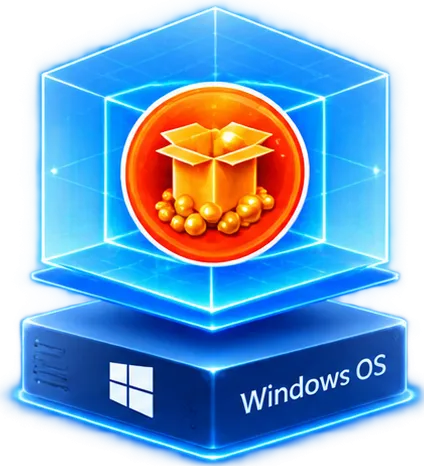
Applications run in an isolated virtual environment, helping reduce conflicts between application components.

Transform Windows applications into secure, deployment-ready App-V packages for reliable enterprise delivery.
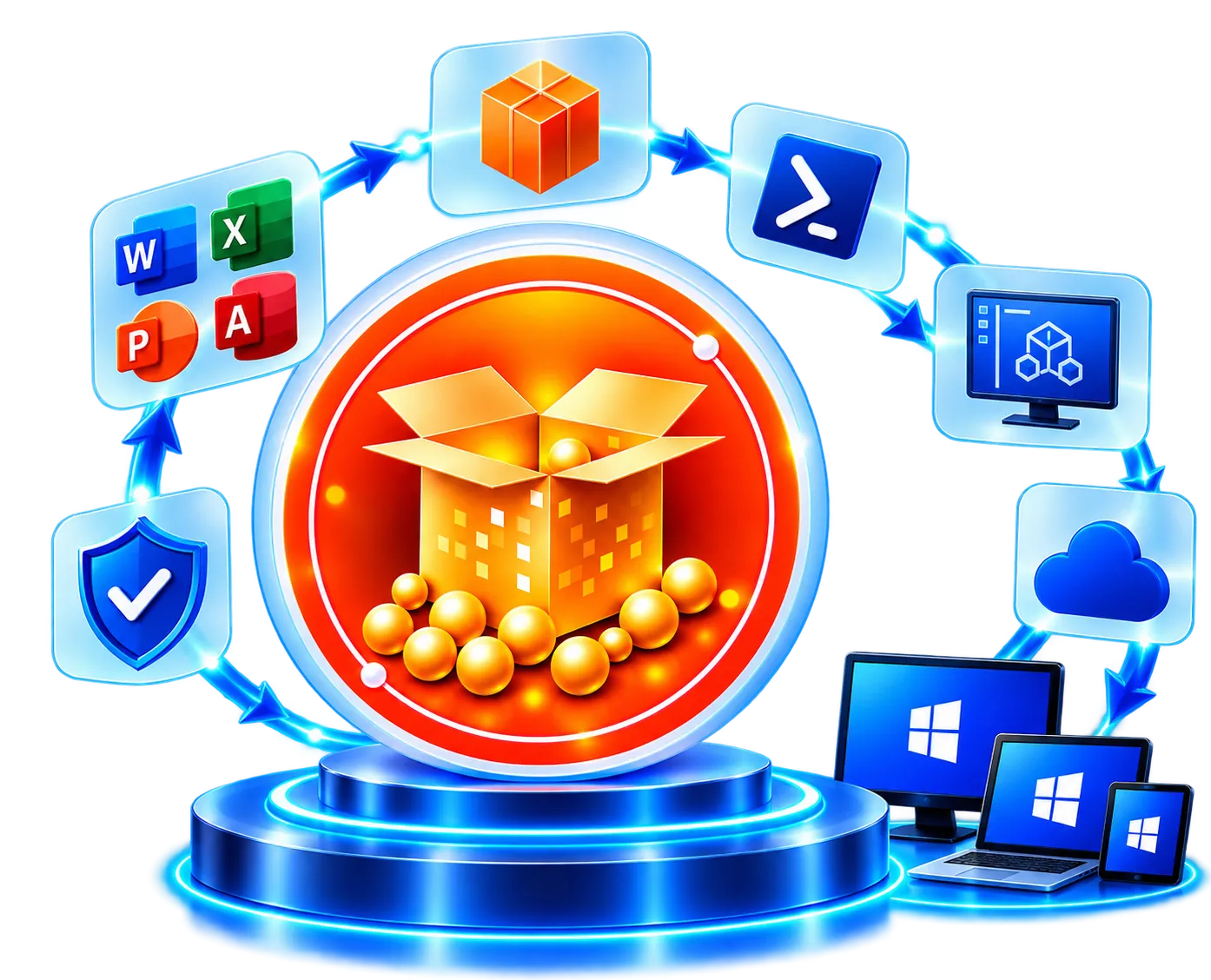
Microsoft Application Virtualization (App-V) enables Windows applications to run in an isolated virtual environment without being traditionally installed on the operating system.
By separating application components and configurations from Windows, App-V helps reduce conflicts, simplify delivery, and centrally manage virtualized applications.
Microsoft App-V reached end of support on April 14, 2026. Organizations should assess existing App-V applications and plan migration to supported modern delivery technologies.
Explore App-V Migration Services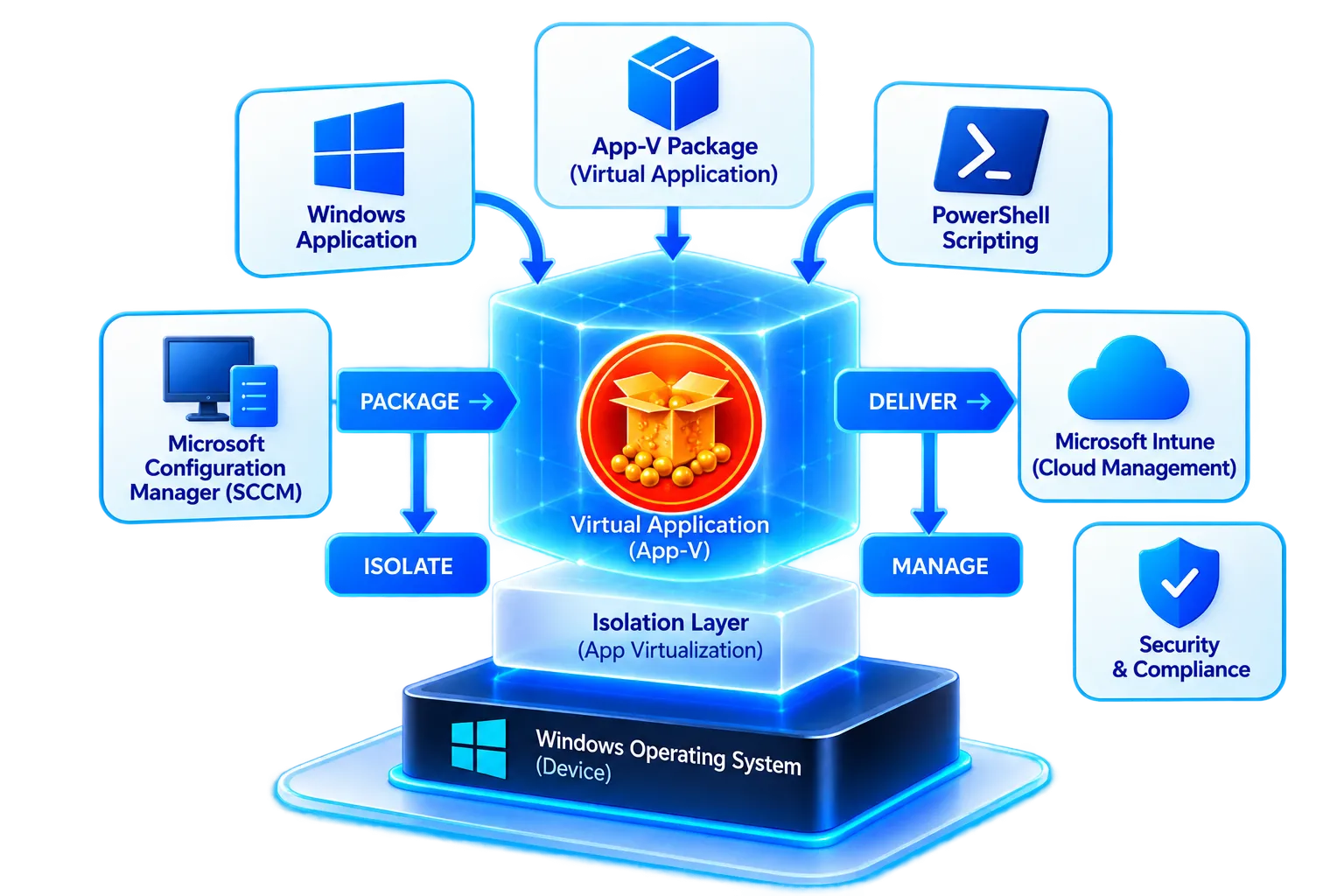
Plan your App-V migration to modern deployment technologies.
Isolate applications, simplify delivery, and improve control across compatible Windows environments.
Applications run in an isolated virtual environment, helping reduce conflicts between application components.
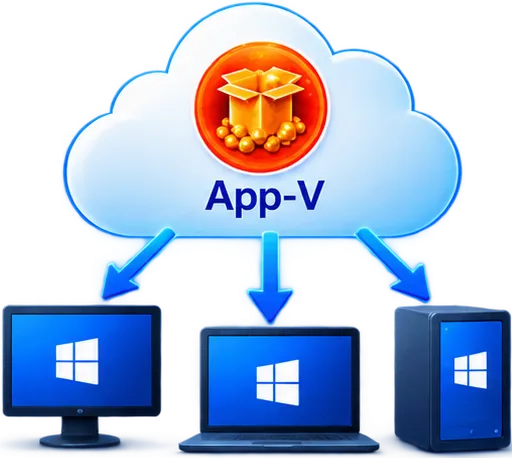
Centrally deliver virtual applications to users and devices without a conventional installation for each application.
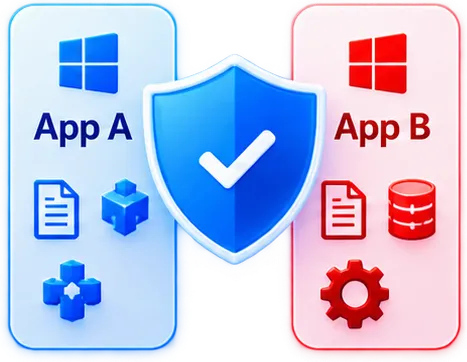
Isolation helps applications with conflicting files, registry settings, or dependencies coexist more effectively.
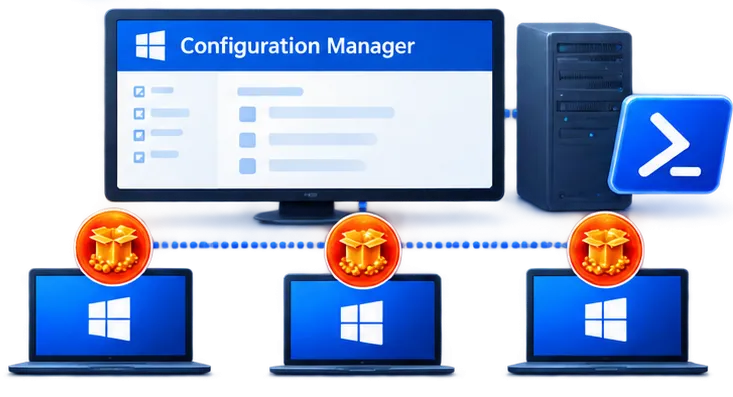
Manage application publishing and availability through App-V infrastructure and compatible management technologies.
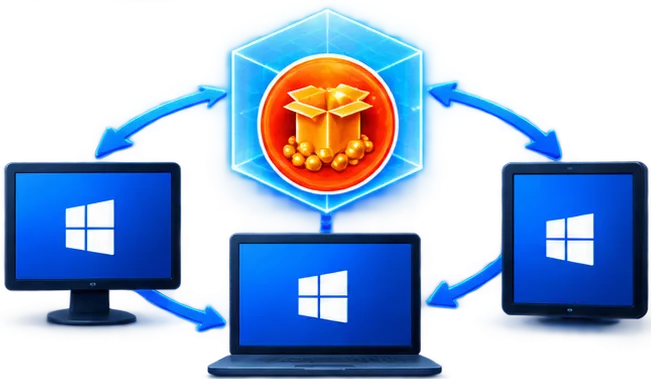
Provide a more standardized application-delivery model across compatible Windows environments.
Sequence, configure, test, and validate virtual applications for controlled enterprise delivery.
App-V sequencing captures an application's installation and configuration into an isolated virtual application package.
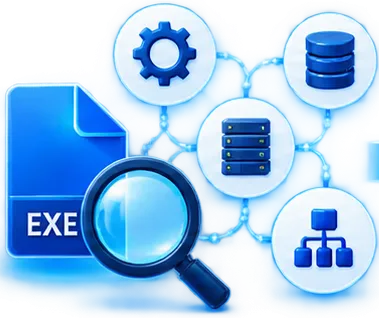
Analyze the installer, dependencies, architecture, configuration, and application behavior.
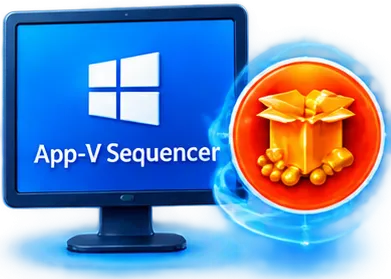
Install and capture the application using the Microsoft App-V Sequencer.

Configure shortcuts, file associations, application settings, integrations, and package behavior.
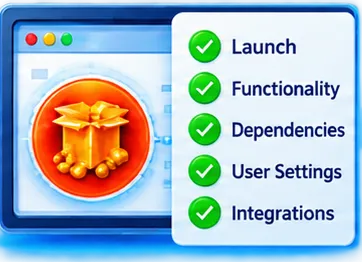
Validate launch, functionality, dependencies, user settings, and integration requirements.
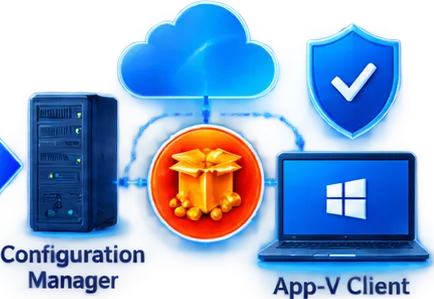
Test the package within the intended App-V client and enterprise environment.
Not every application is suitable for virtualization.
Some applications require middleware, runtimes, or supporting components to operate.
 Application
 Middleware
 Runtime
 Components

App-V Connection Groups historically enabled related virtual application packages to interact.
Assess, remediate, modernize, and migrate your existing Microsoft App-V application estate.
A structured path from legacy virtualization to supported modern application delivery.
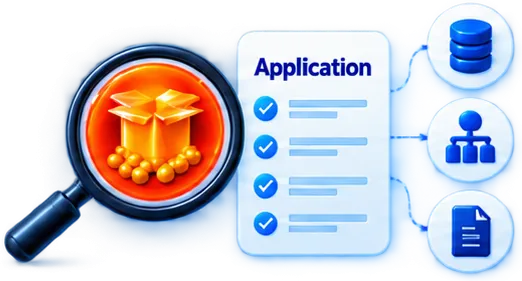
Inventory and assess existing virtual applications and dependencies.
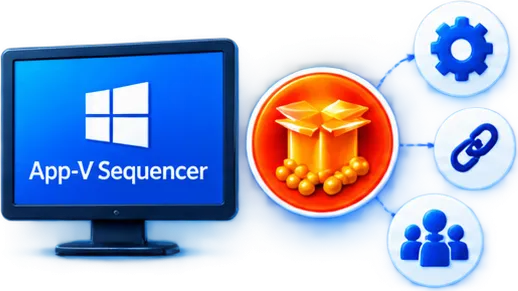
Examine package integrity, dependencies, integrations, connection groups, and application behavior.

Troubleshoot and remediate existing packages during transition programs.
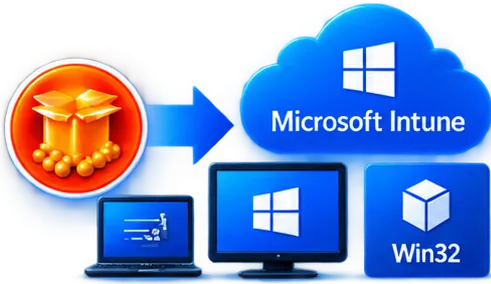
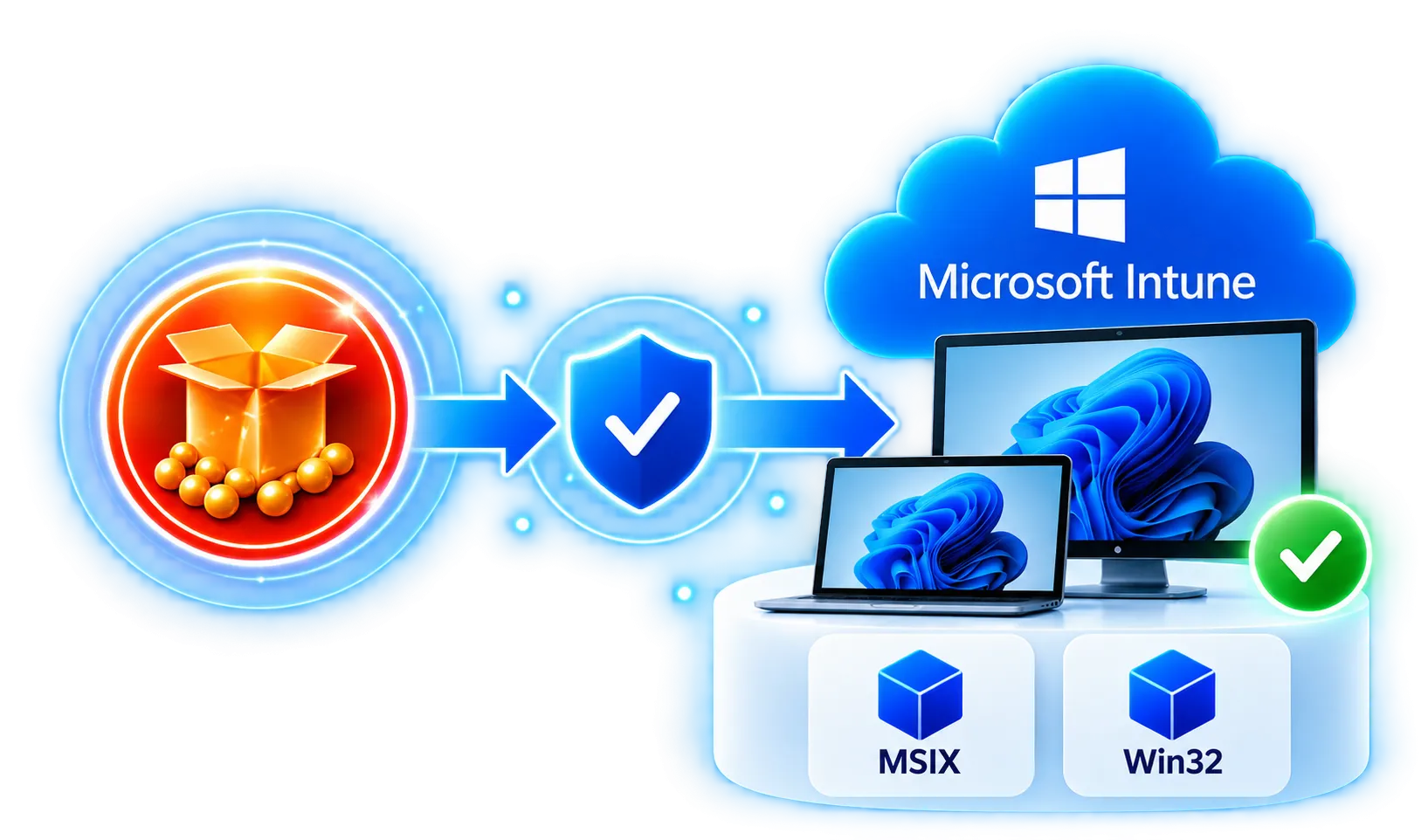
Assess and prepare suitable applications for modern Win32 deployment through Microsoft Intune.

Evaluate technically suitable applications for modern MSIX packaging.
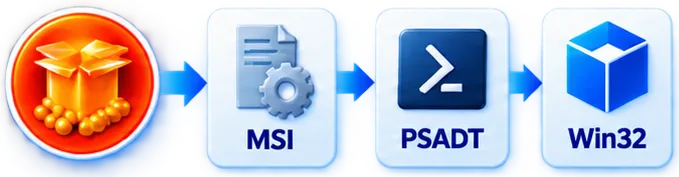
Rebuild applications using MSI, PSADT, Intune Win32, or another appropriate deployment approach.
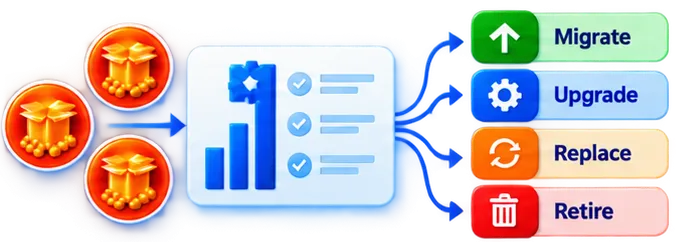
Identify applications that should be migrated, upgraded, replaced, or retired.
From App-V estate assessment to modern application delivery — one accountable partner.
Understand your App-V portfolio, reduce migration risks, and prepare applications for supported modern deployment platforms with APP Packagers.