Reliable Application Installation
A standardized installation model supports predictable application deployment across compatible Windows devices.
Transform Windows applications into secure, standardized MSIX packages for reliable delivery across modern enterprise environments.
MSIX is Microsoft's modern Windows application packaging format, designed to provide a more reliable, secure, and manageable application installation and lifecycle experience.
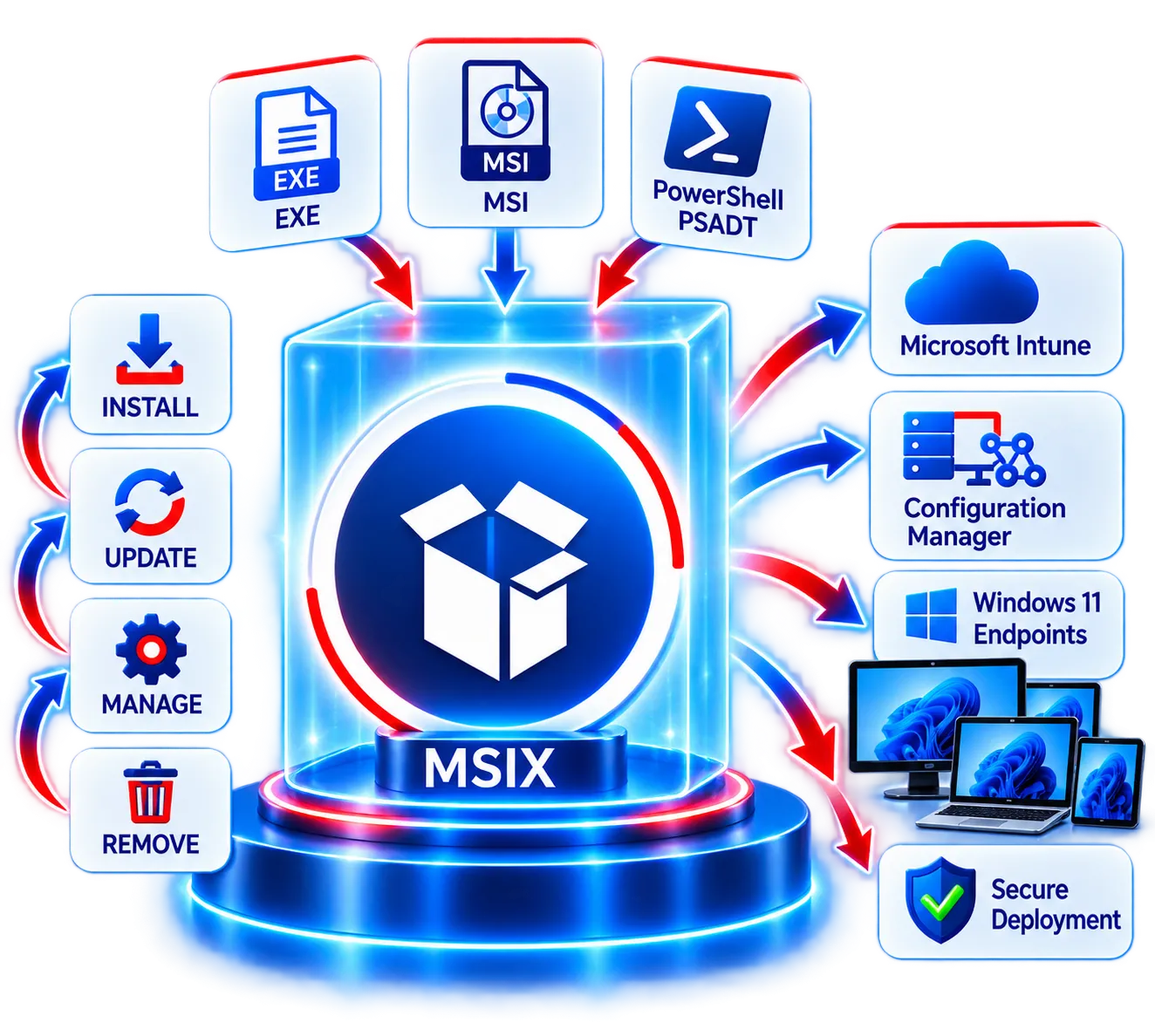
Combining proven MSI packaging concepts with modern deployment technologies, MSIX provides a standardized format that simplifies installation, updates, removal, and management across supported Windows environments.
Consistent and predictable deployment across environments.
Built-in security and integrity for modern enterprise applications.
Easier installation, updates, removal, and management.
Standardize installation, strengthen package integrity, and simplify the Windows application lifecycle.
A standardized installation model supports predictable application deployment across compatible Windows devices.
Controlled removal helps reduce application remnants and unwanted configuration left behind.
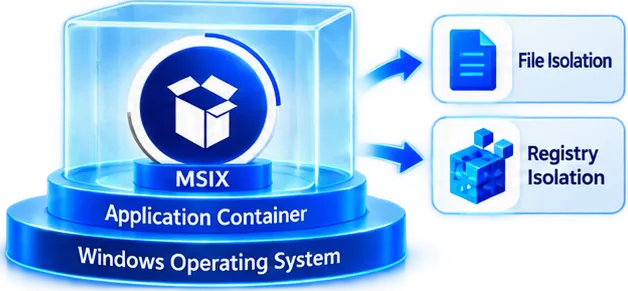
Containerization and redirection can reduce application conflicts and limit direct operating-system changes.
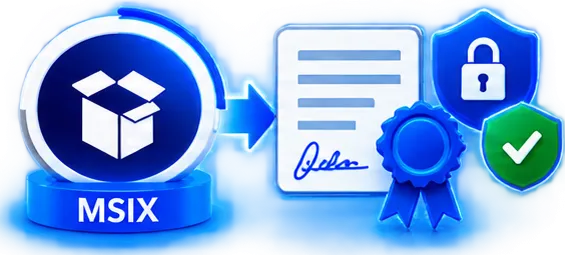
Trusted certificate signing helps establish package identity and integrity before installation.
Modern update capabilities make application lifecycle management more efficient.
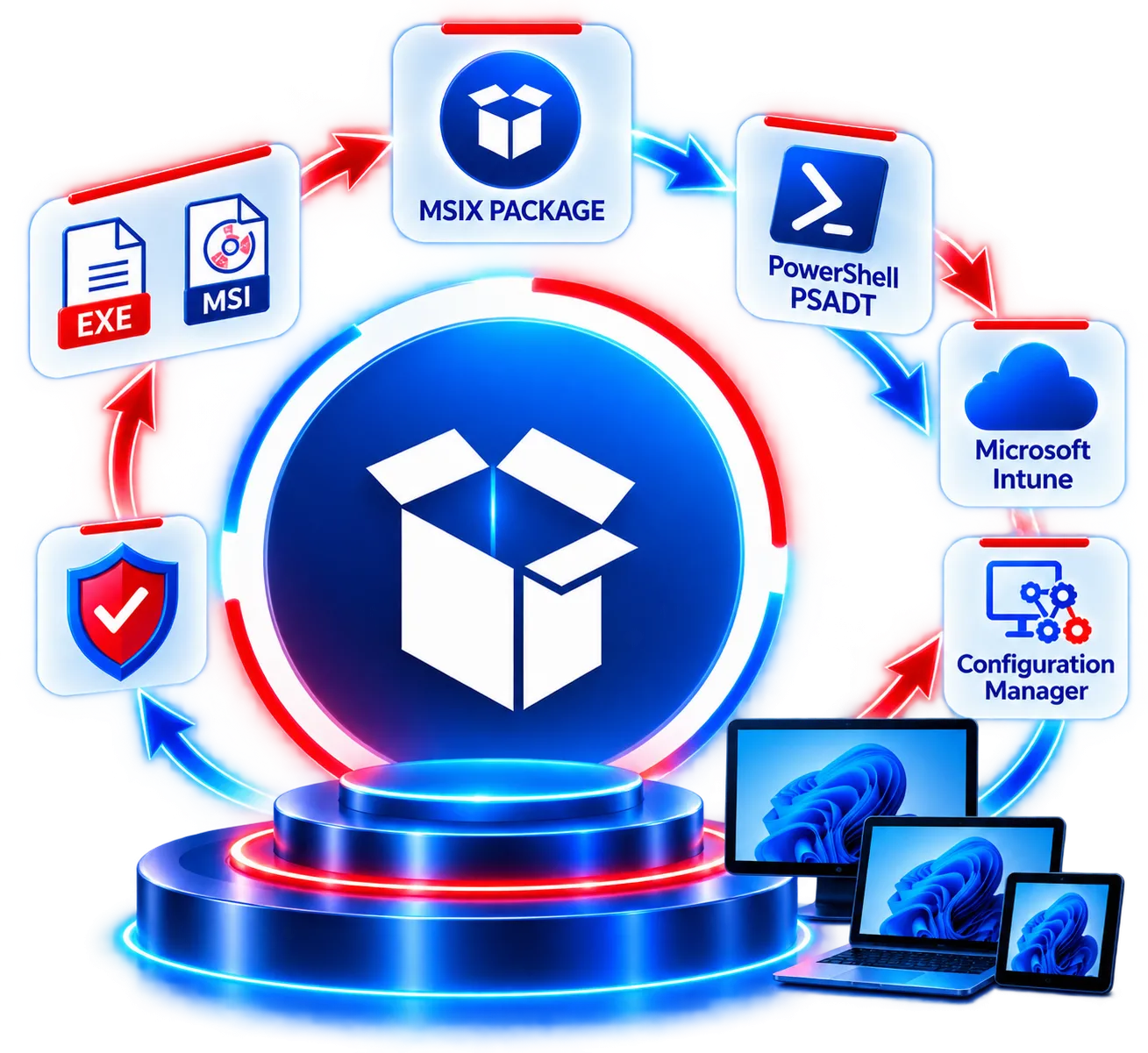
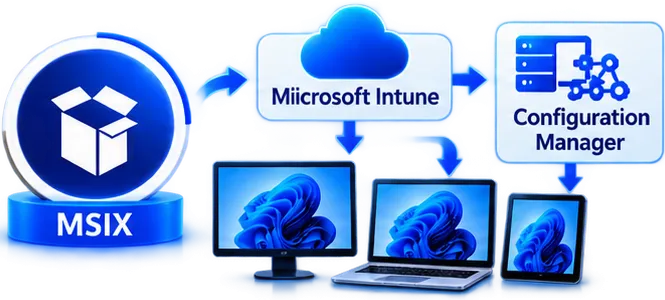
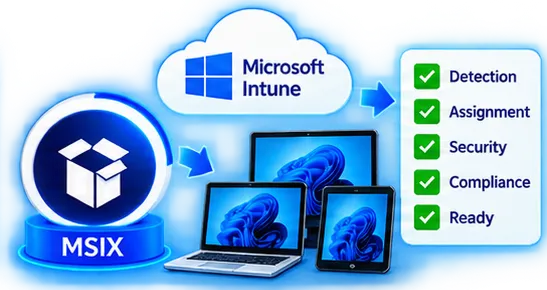
MSIX applications can support modern enterprise delivery strategies, including Microsoft Intune deployment.
Transform Traditional Applications for Modern Windows Deployment
Analyze, convert, configure, sign, test, and prepare applications to operate reliably within the MSIX model.
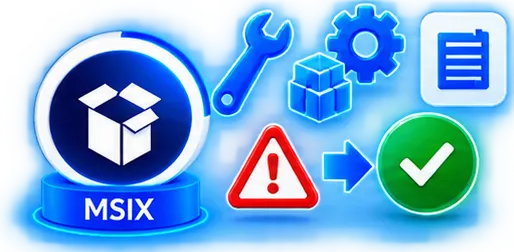
Analyze the source application, installer behavior, architecture, dependencies, configuration, licensing, integration, and potential conflicts before packaging.
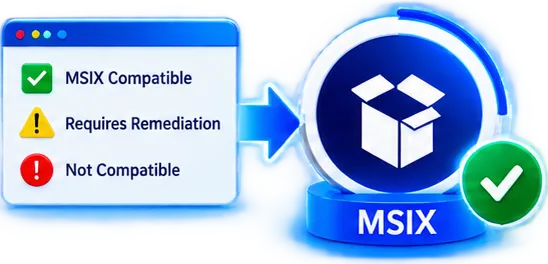
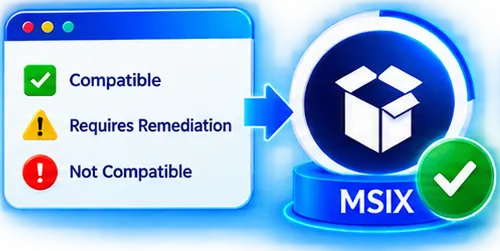
Determine MSIX suitability and identify technical limitations of functionality requiring remediation.
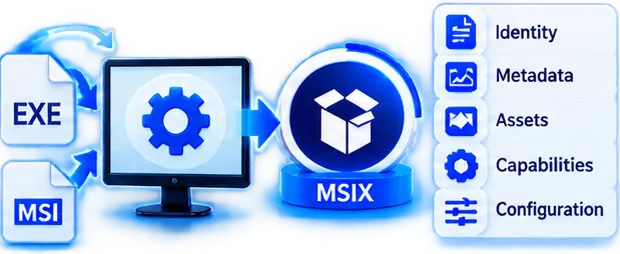
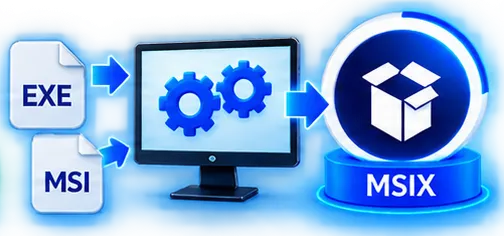
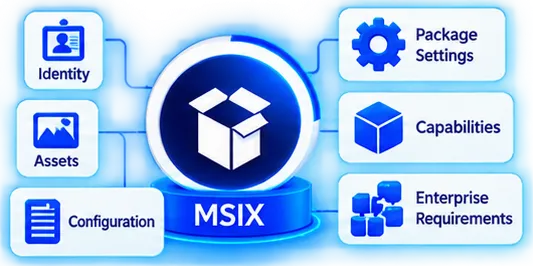
Capture or convert the application into an MSIX package with the required identity, metadata, assets, capabilities, and configuration.
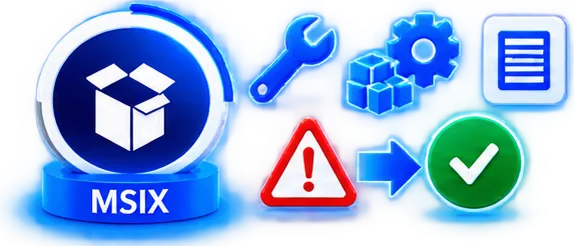
Resolve application behavior that does not naturally align with the MSIX model using supported packaging compatibility approaches.
Sign the MSIX package using an appropriate trusted code-signing certificate.
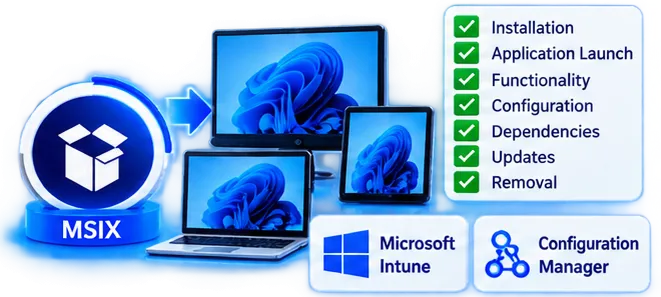
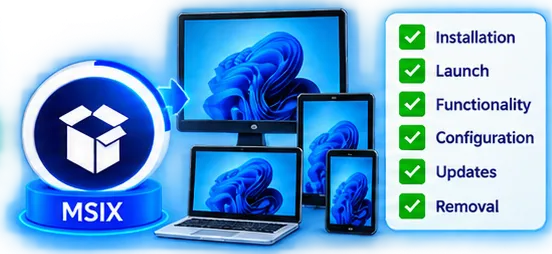
Validate installation, launch, functionality, configuration, dependencies, updates, and removal in the intended enterprise environment.
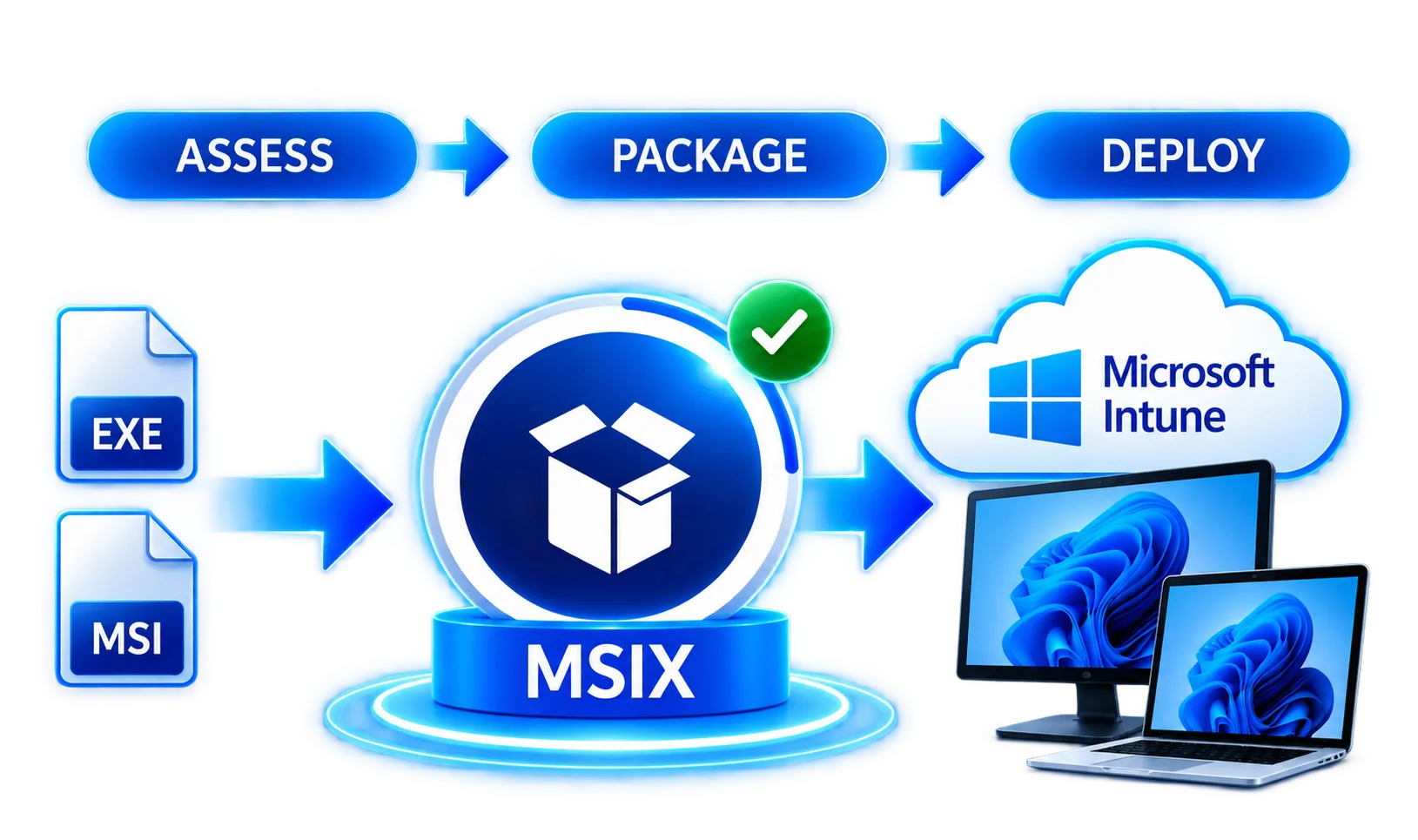
APP Packagers assesses, converts, configures, signs, tests, and prepares applications for modern Windows and Microsoft Intune deployment.
Analyze application installers, dependencies, configuration, architecture, and deployment requirements.
Determine application suitability and identify potential MSIX limitations before packaging begins.
Convert technically suitable traditional applications into enterprise-ready MSIX packages.
Configure application identity, assets, package settings, capabilities, and enterprise requirements.
Address identified compatibility issues using appropriate and supported remediation approaches.
Prepare packages for trusted enterprise deployment using appropriate certificate-based signing.
Validate installation, launch, functionality, configuration, dependencies, updates, and removal.
Prepare suitable MSIX applications for integration with Microsoft Intune and enterprise deployment workflows.
Assess, modernize, and prepare your Windows applications for secure MSIX deployment with APP Packagers.