Understanding Application Virtualization and Traditional Deployment
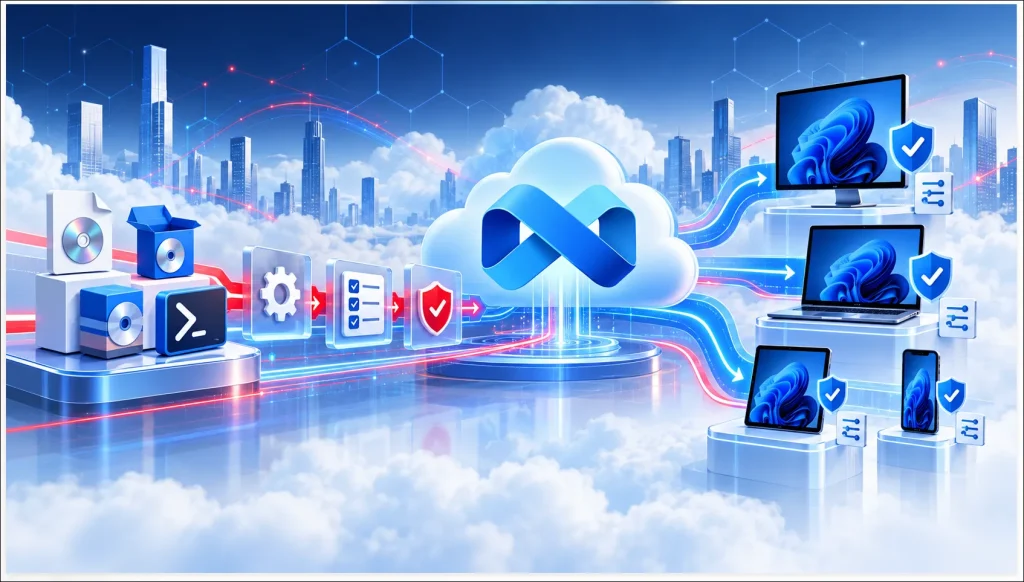
Enterprise organizations rely on different technologies to install, manage, and deliver business applications across Windows environments. Two common approaches are Traditional Application Deployment and Application Virtualization.
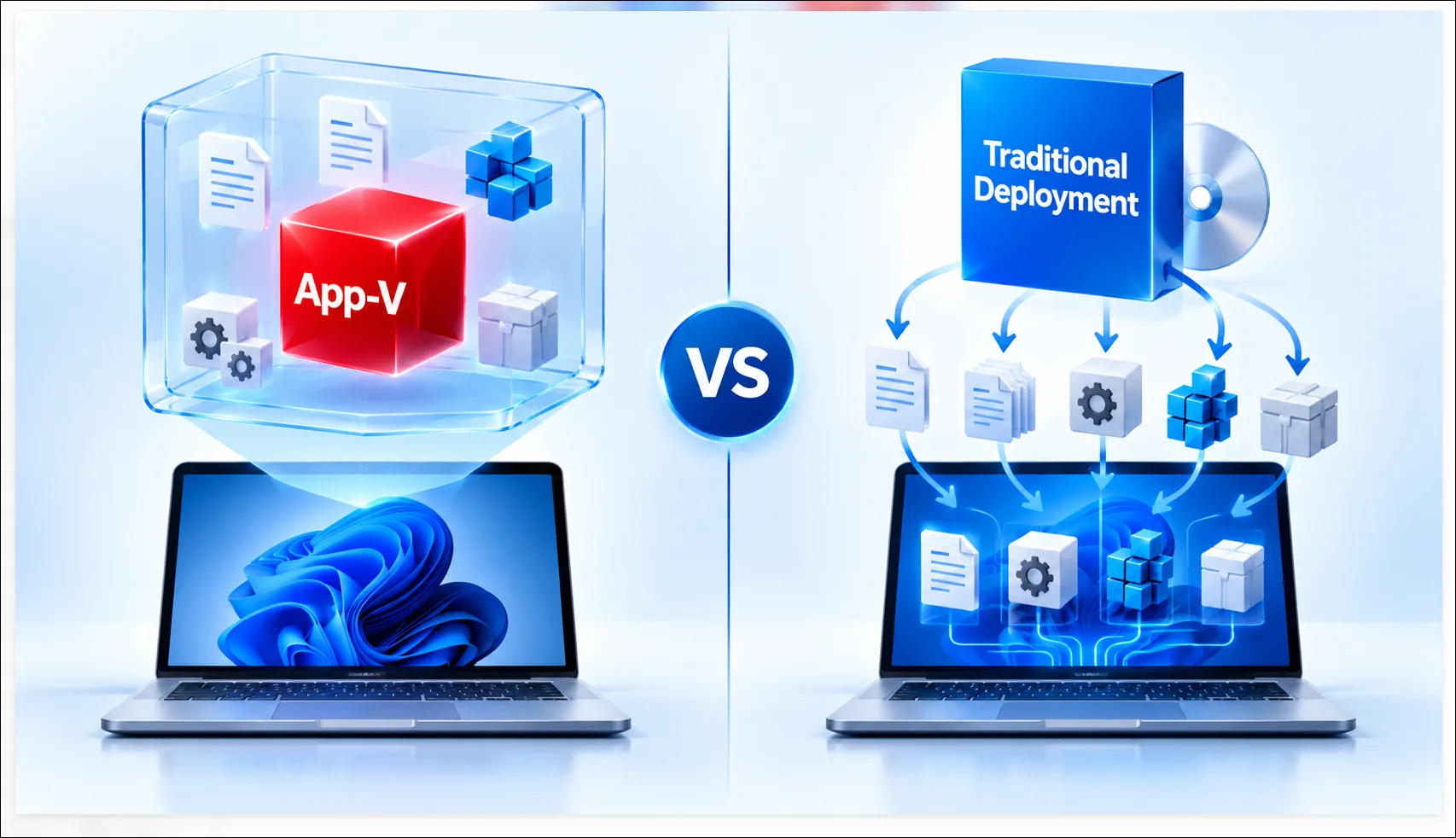
Traditional deployment installs applications directly onto the operating system, while application virtualization enables suitable applications to run with varying degrees of isolation from the underlying Windows environment.
Both approaches offer advantages, but choosing the right solution depends on application compatibility, infrastructure requirements, deployment complexity, and business needs.
At APP Packagers, we help organizations package, virtualize, modernize, and prepare applications for reliable enterprise delivery using technologies such as MSI, MSIX, Microsoft App-V, and Numecent Cloudpaging.
What Is Traditional Application Deployment?
Traditional Application Deployment involves installing software directly onto Windows devices using installation packages such as MSI, EXE, or script-based installers.
Applications are commonly distributed and managed through enterprise deployment platforms such as Microsoft Intune and Microsoft SCCM/MECM.
Key Benefits
- Broad Compatibility: Supports a wide range of traditional Windows applications.
- Centralized Deployment: Enables application distribution through enterprise management platforms.
- Flexible Customization: Supports installation parameters, registry changes, configuration files, and scripts.
- Simplified Management: Provides standardized installation, updates, and removal processes.
However, traditional installations may introduce shared-component dependencies, application conflicts, and additional maintenance requirements.
What Is Application Virtualization?
Application Virtualization allows suitable applications to operate within isolated or virtualized environments, reducing their direct interaction with the underlying operating system.
Technologies such as Microsoft App-V and Numecent Cloudpaging provide application virtualization capabilities, while Microsoft MSIX offers modern packaging with application isolation features.
Key Benefits
- Application Isolation: Helps reduce conflicts between applications and operating system components.
- Simplified Application Delivery: Supports flexible application distribution and management.
- Legacy Application Support: Can help maintain suitable legacy applications in modern environments.
- Reduced Application Conflicts: Limits certain interactions with shared system resources.
- Improved Application Management: Supports more controlled application lifecycle processes.
Application virtualization can be particularly valuable for organizations managing complex application portfolios or looking to modernize legacy application delivery.
Application Virtualization vs Traditional Deployment: Key Differences
| Feature | Traditional Deployment | Application Virtualization |
| Installation | Installs directly into Windows | Uses an isolated or virtualized application environment |
| Application Isolation | Generally limited | Provides varying levels of isolation |
| Application Conflicts | Shared components may create conflicts | Can reduce certain application conflicts |
| Application Compatibility | Broad support for traditional applications | Depends on virtualization technology and application requirements |
| Deployment Methods | MSI, EXE, scripts, Intune, MECM | App-V, Cloudpaging, and suitable MSIX scenarios |
| Application Management | Traditional installation and maintenance | More controlled or separated application management |
Which Approach Should Your Organization Choose?
The right approach depends on your enterprise application requirements.
Traditional Application Deployment is often suitable for applications requiring direct operating system integration, complex installations, or broad compatibility with existing Windows environments.
Application Virtualization may be preferable when application isolation, conflict reduction, legacy application support, or flexible delivery is a priority.
Many organizations benefit from a hybrid application delivery strategy, using traditional packaging for some applications and virtualization or modern packaging technologies for others.
The key is to assess each application’s technical requirements before selecting the appropriate delivery model.
How APP Packagers Can Help
APP Packagers provides specialized Application Packaging, Virtualization, and Deployment Services to help organizations select and implement suitable application delivery approaches.
Our expertise includes:
- MSI Application Packaging: Standardized packaging for traditional Windows application deployment.
- MSIX Application Packaging: Modern application packaging with isolation and controlled installation capabilities.
- Microsoft App-V Packaging: Sequencing, customization, testing, and maintenance of existing virtual application packages.
- Numecent Cloudpaging: Application packaging and preparation for isolated, on-demand delivery.
- Microsoft Intune & SCCM/MECM: Application integration, configuration, testing, and deployment readiness.
- Application Discovery & Testing: Technical assessment, compatibility validation, remediation, and package testing.
Whether your organization is maintaining traditional applications, modernizing legacy software, or adopting application virtualization, APP Packagers helps prepare applications for reliable enterprise delivery.
Conclusion
Both Application Virtualization and Traditional Deployment play important roles in enterprise application management.
Traditional deployment offers broad application compatibility and established management capabilities, while virtualization provides isolation and flexible delivery options for suitable applications.
By choosing the appropriate technology based on application requirements, organizations can reduce deployment complexity, improve application management, and support modernization initiatives.
APP Packagers helps organizations assess, package, virtualize, test, and prepare enterprise applications for reliable deployment.