ENTERPRISE APPLICATION QUALITY ASSURANCE

Application Package Testing

Validate Every Package. Deploy with Confidence.

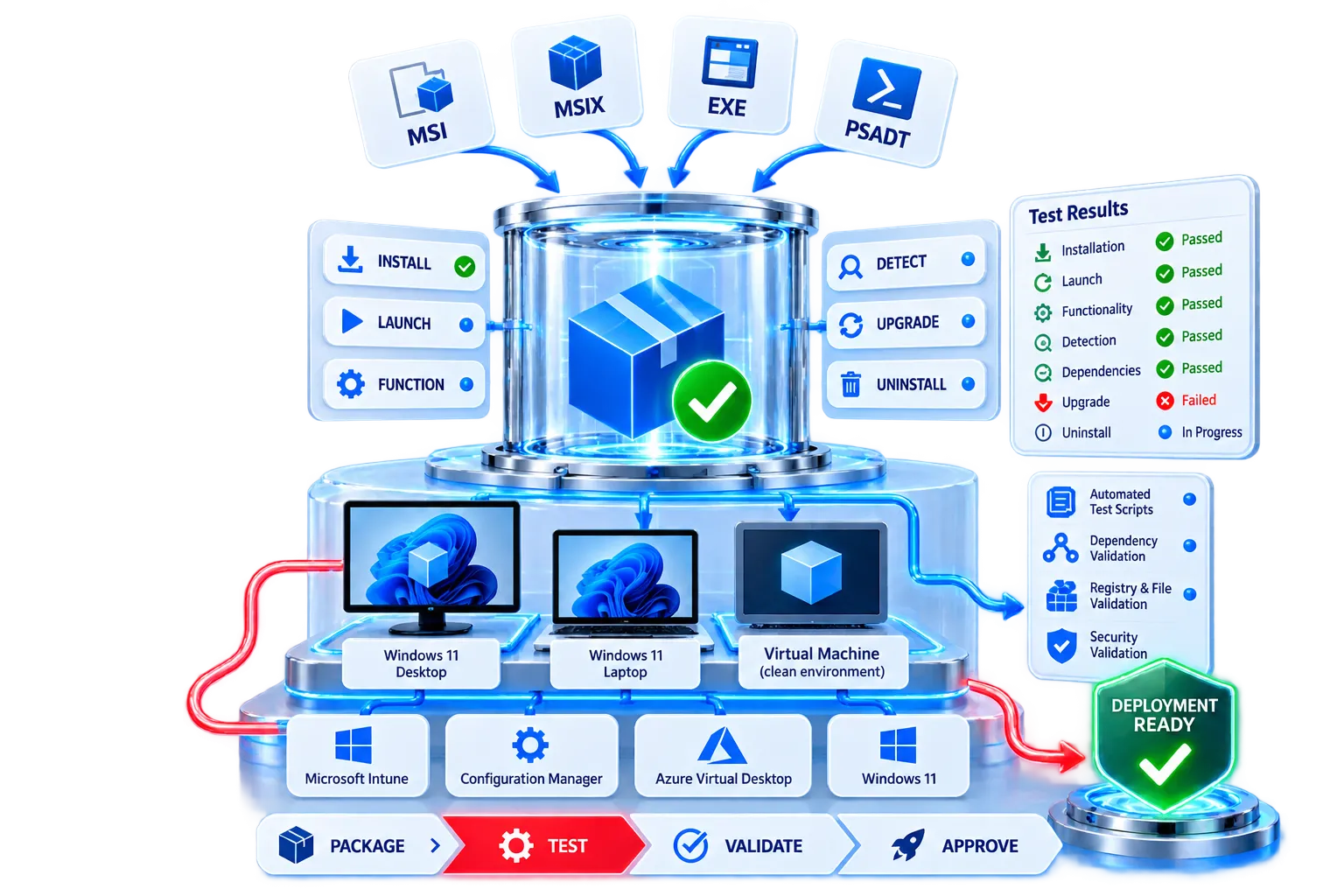
APP Packagers validates packaged applications across clean enterprise environments to confirm reliable installation, launch, functionality, detection, dependencies, upgrades, repair, and removal before deployment.

Clean Environment Testing

Functional Validation

Deployment Readiness

Detailed Test Results

Application package testing, installation validation, Windows environments, test results, and deployment readiness
ENTERPRISE APPLICATION QUALITY ASSURANCE

Application Package Testing Services

Validate Every Package Before It Reaches Your Users

A successfully created application package is only the beginning. Before an application is introduced into an enterprise environment, it should be thoroughly tested to ensure it installs correctly, launches successfully, functions as expected, upgrades cleanly, and uninstalls reliably.

APP Packagers provides comprehensive Application Package Testing Services to validate packaged applications against defined enterprise requirements and target deployment environments.

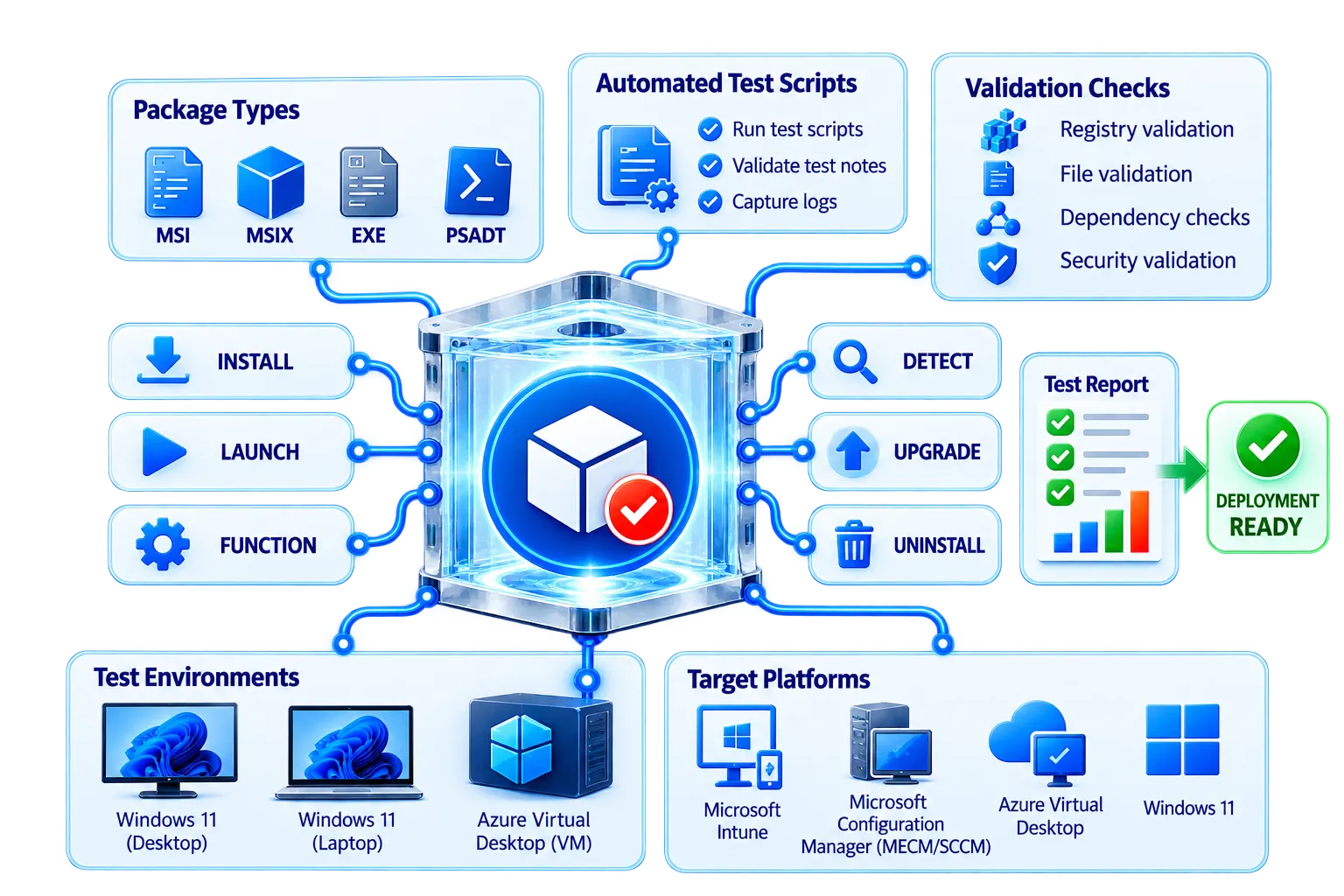
Whether applications are prepared for Microsoft Intune, Microsoft Configuration Manager (MECM/SCCM), Windows 11, Azure Virtual Desktop, or other enterprise platforms, our structured testing approach helps identify issues before production rollout.

Reliable Installation

Validate silent installation and return codes.

Functional Validation

Confirm launch, features, and user experience.

Lifecycle Testing

Test upgrade, repair, and uninstall behavior.

Deployment Readiness

Verify packages against target platforms.

Application package testing, validation checks, test environments, target platforms, and deployment readiness
TEST
VALIDATE
REMEDIATE
DEPLOY WITH CONFIDENCE

What We Test

End-to-End Package Validation

Validate every stage of the application package lifecycle before deployment.

Installation Testing

Validate silent and successful installation using the defined enterprise deployment commands.

Application package installation testing illustration
Silent Installation
Files & Folders
Install Parameters
Registry Configuration
Return Codes
Shortcuts
Reboot Behavior
Services
Installation Directories
Environment Variables
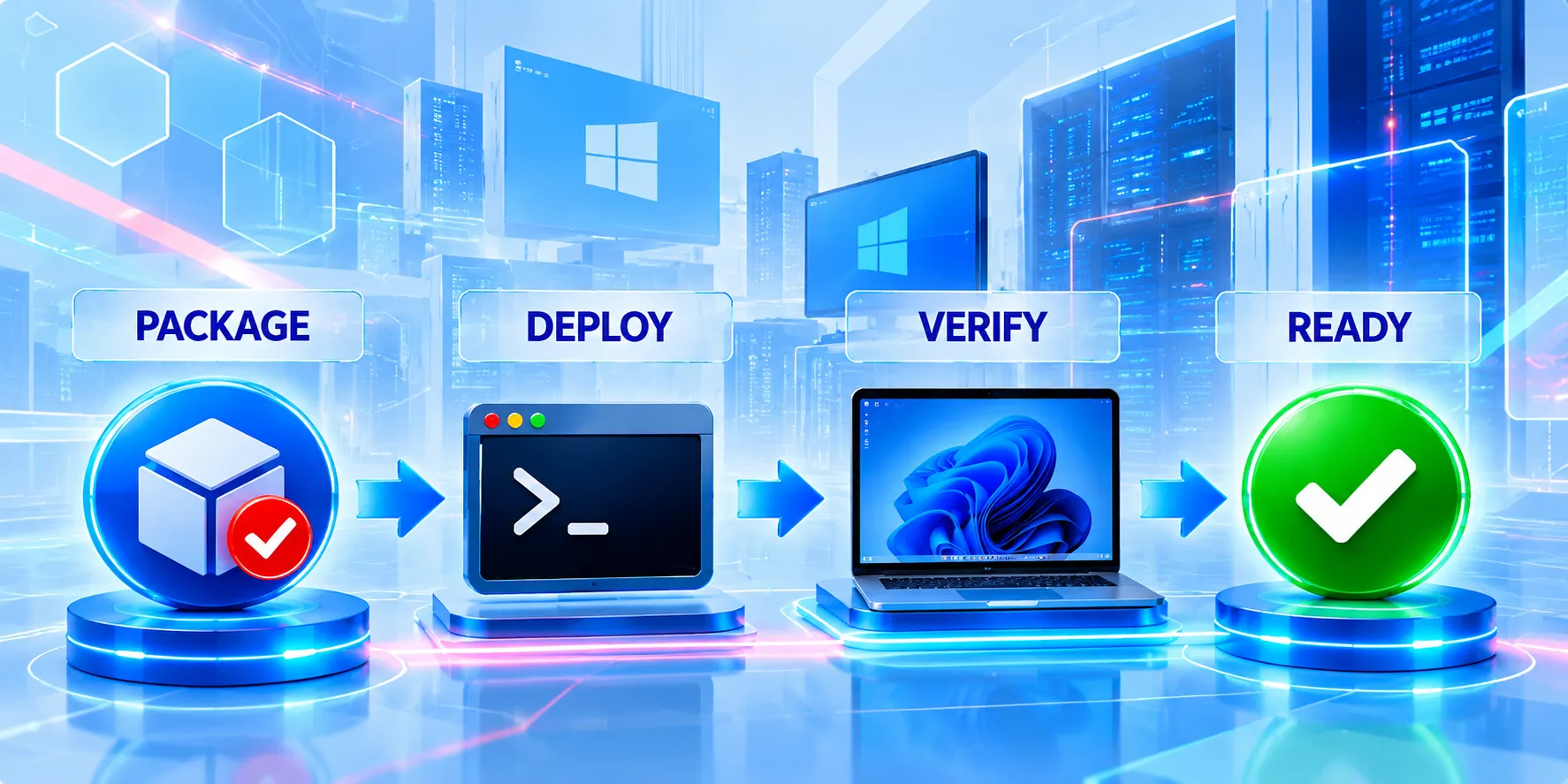
Application package deployment, verification, and deployment readiness

Application Launch & Functional Testing

Confirm successful launch and verify agreed core functionality after packaging.

Application launch and functional testing

Uninstall Testing

Validate silent removal without package-related issues or unwanted remnants.

Application uninstall testing

Upgrade Testing

Test transitions from an existing version to the newly packaged release.

Application upgrade testing

Repair & Self-Healing Testing

For applicable MSI packages, validate repair behavior and package resiliency.
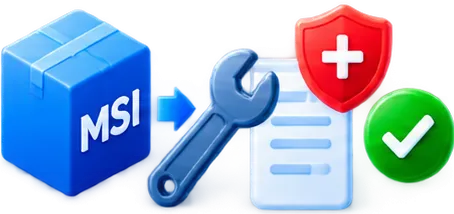
Application repair and self-healing testing
INSTALL
LAUNCH
VALIDATE FUNCTIONALITY
UPGRADE
REPAIR
UNINSTALL
APPROVE
DEPLOYMENT READY

Application Package Testing — Advanced Validation

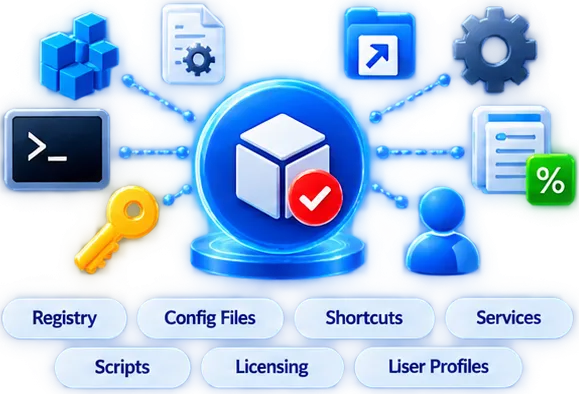
Application Configuration Testing

Validate More Than the Installer

Application configuration testing with registry, configuration files, shortcuts, services, scripts, licensing, and user profiles

Dependency & Prerequisite Testing

Make Sure Everything the Application Needs

Dependency and prerequisite testing for .NET, Visual C++, Java, middleware, drivers, services, and supporting applications

Deployment Platform Testing

Validate Against the Target Delivery Platform
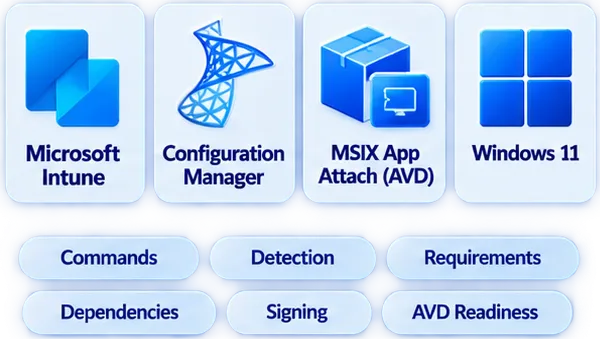
Deployment platform testing for Microsoft Intune, Configuration Manager, MSIX App Attach, and Windows 11

Clean Machine Testing

Test the Package, Not the Packaging Machine
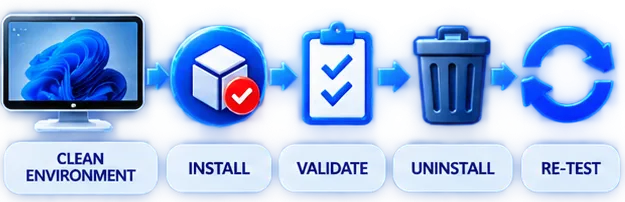
Clean machine testing including clean environment, installation, validation, uninstall, and retesting

User & SYSTEM Context Testing

Validate How the Application Actually Deploys

User and system context testing covering user installation, per-user settings, system installation, per-machine settings, and Microsoft Configuration Manager

Package Conflict Testing

Identify Application Coexistence Issues
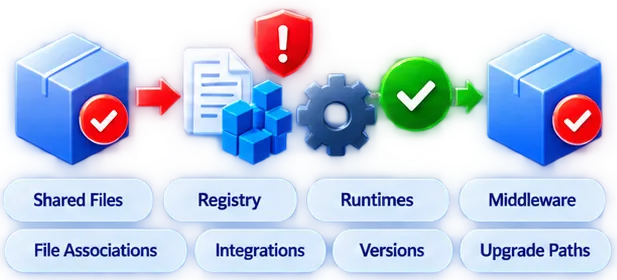
Package conflict testing for shared files, registry, runtimes, middleware, file associations, integrations, versions, and upgrade paths
CONFIGURE
VERIFY DEPENDENCIES
TEST PLATFORM
VALIDATE CLEANLY
CONFIRM CONTEXT
PREVENT CONFLICTS
DEPLOYMENT READY

Our Application Package Testing Process

Structured Quality Assurance from Package to Production

Application package testing

Application
Package Testing

01

Review

Review testing process

Understand the package specification, deployment requirements, and acceptance criteria.

02

Prepare

Prepare testing process

Build or reset the appropriate clean testing environment.

03

Install

Install testing process

Execute the application using the intended enterprise deployment method.
04

Validate

Validate testing process

Verify installation, configuration, launch, functionality, detection, and dependencies.

05

Test Lifecycle

Test Lifecycle testing process

Validate upgrade, repair, reinstall, and uninstall scenarios.

06

Remediate

Remediate testing process

Document package defects and return them for remediation.

07

Re-Test

Re-Test testing process

Validate corrected packages against failed scenarios and the agreed regression scope.

08

Approve

Approve testing process

Provide test results and package status for progression to UAT or deployment.

REVIEW
PREPARE
INSTALL
VALIDATE
TEST LIFECYCLE
REMEDIATE
RE-TEST
APPROVE

Package Testing Across Multiple Technologies

One Testing Service for Your Application Estate

MSI Packaging

MSI Packaging testing

Install, transform, repair, upgrade, and uninstall.

MSIX Packaging

MSIX Packaging testing

Install, sign, test, and troubleshoot.

PSADT Packaging

PSADT Packaging testing

Logic, prerequisites, user interaction, and exit codes.

Microsoft Intune Packaging

Microsoft Intune Packaging testing

Detection, installation, requirements, and dependencies.

Configuration Manager Packaging

Configuration Manager Packaging testing

Deployment types, dependencies, and detection methods.

Cloud Packaging

Cloud Packaging testing

Virtual launch, configuration, dependencies, and functionality.

Mac Packaging

Mac Packaging testing

Installation, configuration, and macOS deployment readiness.

CONSISTENT TESTING
STRUCTURED RESULTS
DEPLOYMENT CONFIDENCE
DEPLOYMENT READY

Testing Deliverables

Clear Results for Every Application

Structured evidence for confident remediation and release decisions.
Package Test Report

Package Test Report

Documented results for agreed test cases and scenarios.
Pass / Fail Status

Pass / Fail Status

Clear package validation against defined acceptance criteria.

Issue & Defect Report

Issue & Defect Report

Technical details of identified packaging or deployment issues.

Remediation Recommendations

Remediation Recommendations

Recommended actions for resolving package-related defects.
Re-Test Results

Re-Test Results

Confirmation that corrected issues have been successfully retested.
Deployment Readiness Status

Deployment Readiness Status

Clear approval before progression to the next deployment stage.

Independent Application Package Testing

Testing Support for Packages Created by Your Team or Another Vendor

Independent application package testing workflow
Windows 11 Programs
SCCM-to-Intune Migrations
Application Modernization
Independent Quality Assurance

An additional quality-assurance layer for packages created outside our packaging service.

Validate against agreed technical standards and receive structured results for remediation and release decisions.

APPLICATION PACKAGE QUALITY ASSURANCE

From Package Creation to Deployment Confidence

APP Packagers identifies packaging defects, configuration issues, dependency problems, and deployment failures before applications reach production users.

Validate packages for Microsoft Intune, Configuration Manager, Windows 11, AVD, and other enterprise environments.
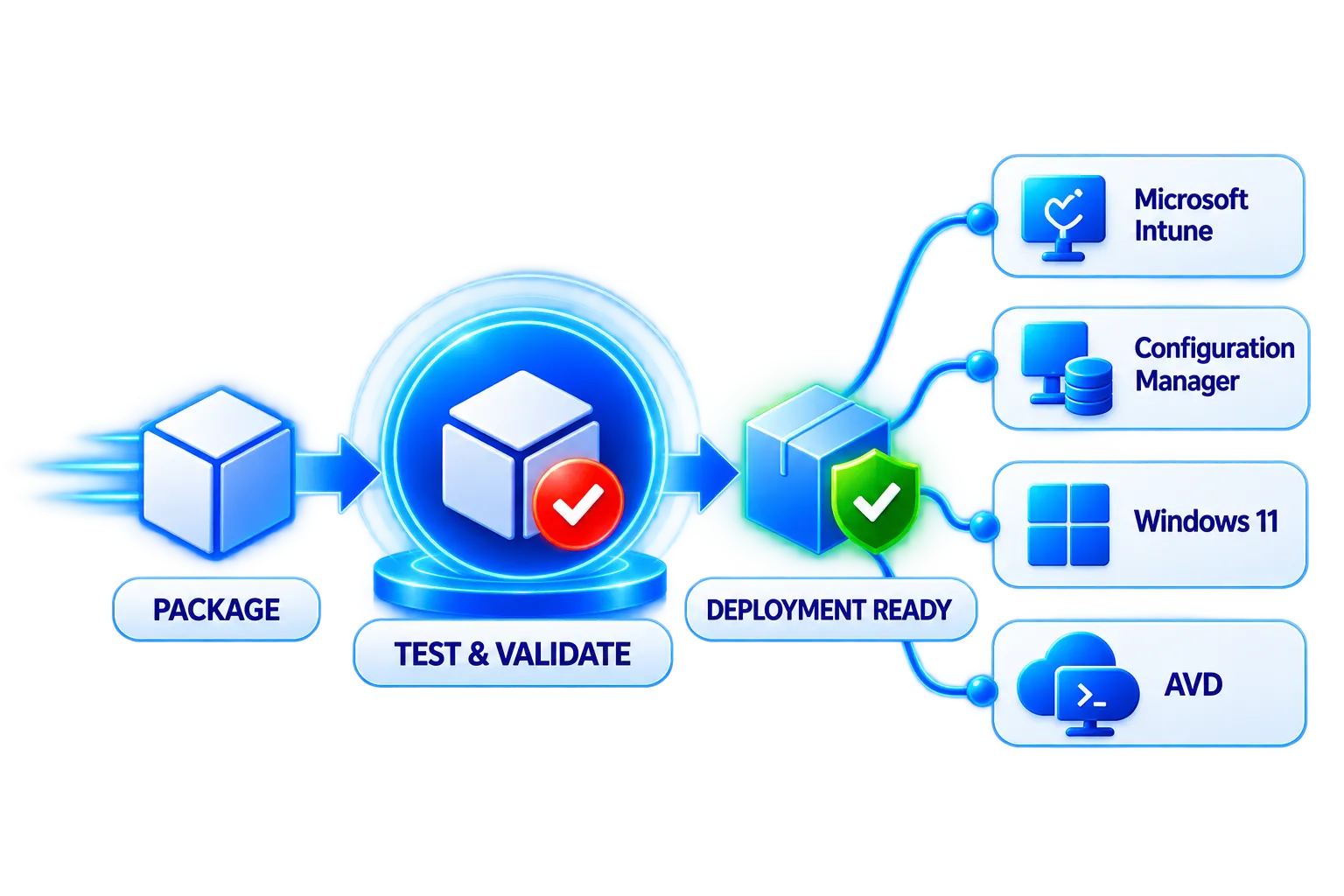
PACKAGE
TEST
VALIDATE
DEPLOY

Application Package Testing You Can Rely On.

Contact APP Packagers Today
Application package testing, validation, deployment readiness, Microsoft Intune, Configuration Manager, Windows 11, and AVD
Defects Identified Early
Validated Against Requirements
Deployment Confidence