Prepare, distribute, and manage business applications reliably across enterprise Windows environments with Microsoft Configuration Manager.
Centralized Application Deployment for Enterprise Windows Environments
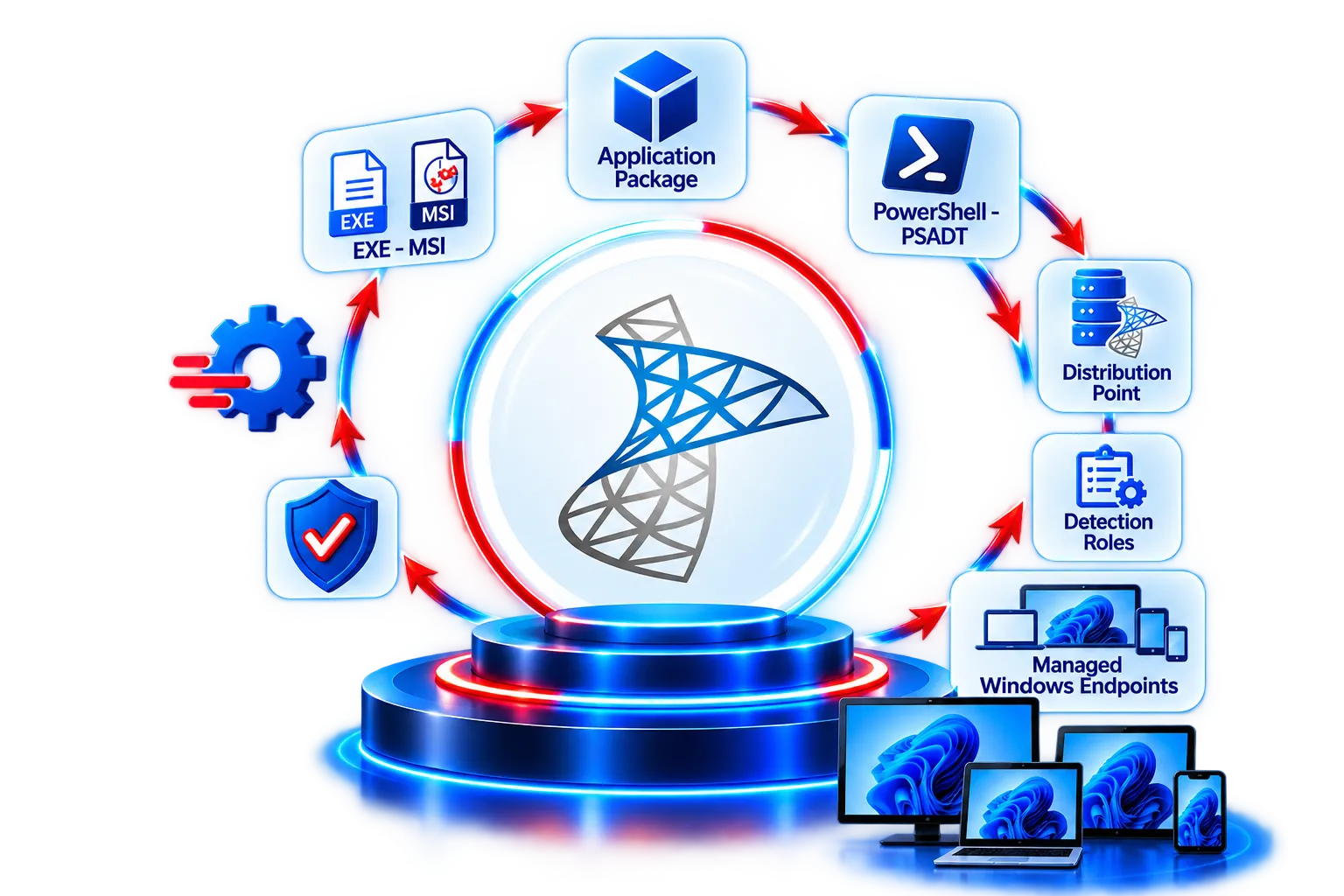
Prepare and package applications for deployment.
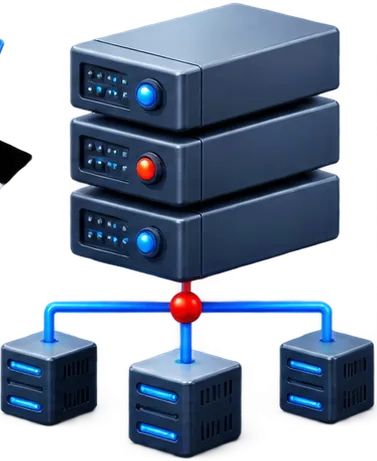
Distribute content to distribution points across your infrastructure.
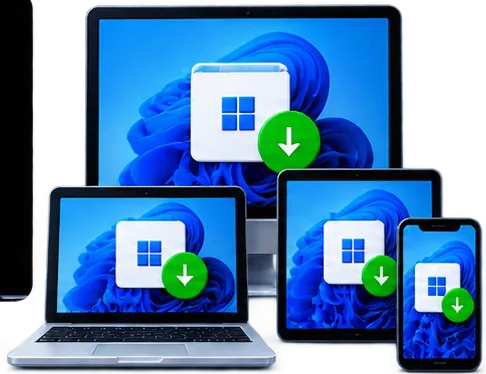
Install applications to managed users and devices using controlled policies.
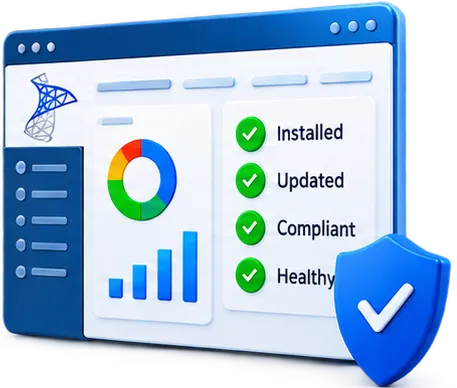
Monitor deployments, manage updates and uninstall, and ensure compliance.
Manage application deployment from a centralized platform.
Deploy applications quietly and consistently across all devices.
Easily distribute updates and uninstall applications when required.
Track installation progress and ensure successful deployments.
Use deployment policies to target the right users and devices.
 Centralized Management for Enterprise Endpoints
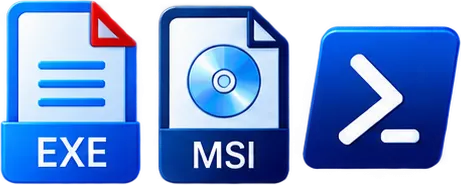
Create, configure, deploy, update and monitor business applications.
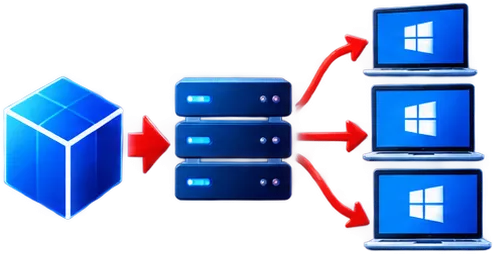
Deliver required, available or removable applications through controlled workflows.

Manage manual, automatic and phased update deployments.
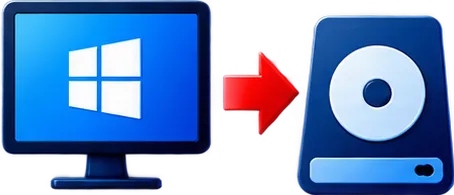
Deploy and upgrade Windows images, task sequences, PXE and boot media.
Collect device, hardware and installed software inventory.

Manage antimalware, firewall and Defender integration.
Assess configuration compliance and remediate selected settings.

Monitor devices, applications, deployments and compliance.
Enterprise software often requires more than simply running the vendor installer. Applications may require silent installation commands, configuration changes, prerequisites, detection methods, dependencies, requirement rules, and custom deployment logic before they can be reliably deployed.

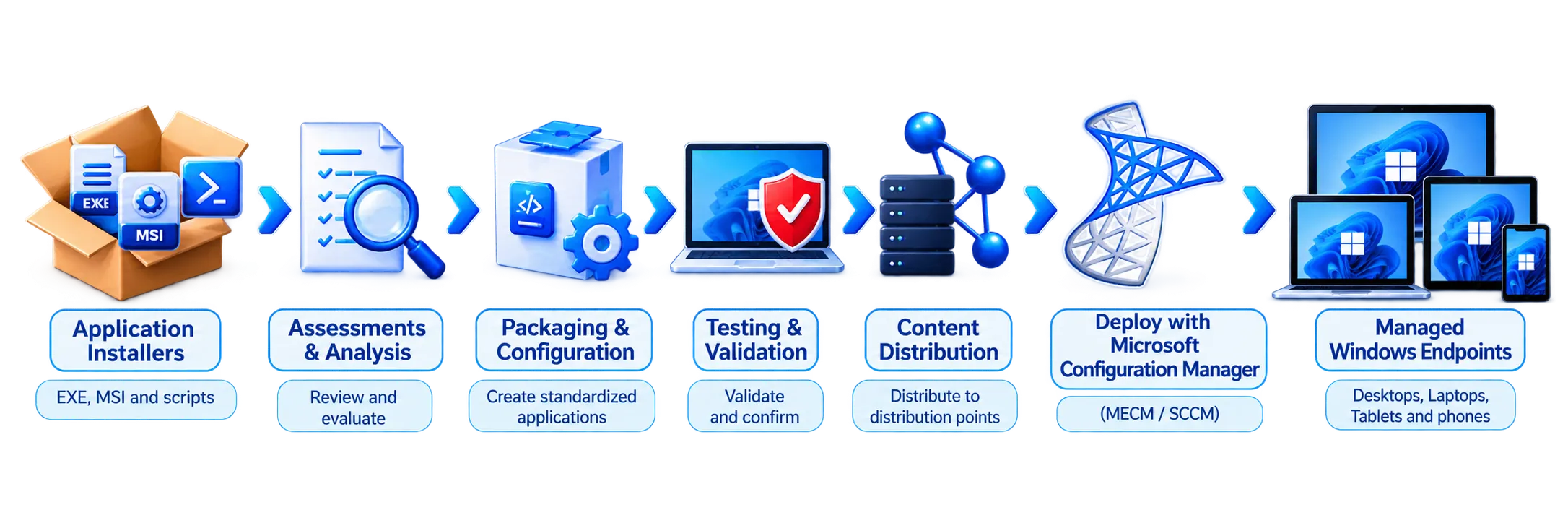
Analyze the source installer, architecture, dependencies, prerequisites, configuration, installation behavior, and enterprise requirements.
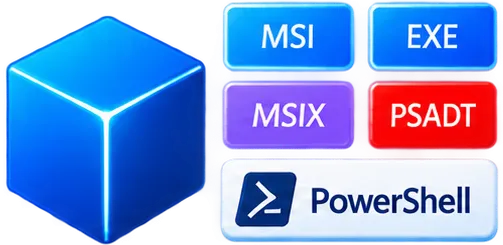
Prepare the application using an appropriate packaging technology such as MSI, EXE, MSIX, PSADT, or PowerShell.
Configure deployment types, installation and uninstall commands, detection methods, requirements, dependencies, user experience, and deployment settings.
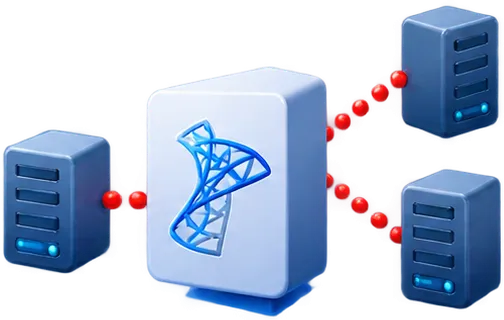
Distribute application content to the appropriate Distribution Points or Distribution Point Groups so managed clients can access the installation source.
Validate installation, detection, application functionality, dependencies, upgrades, uninstall behavior, and deployment results.
Deploy the application to the appropriate user or device collections.

Track deployment status and troubleshoot installation, detection, content, or application issues.
Enterprise Application Delivery for Windows 11
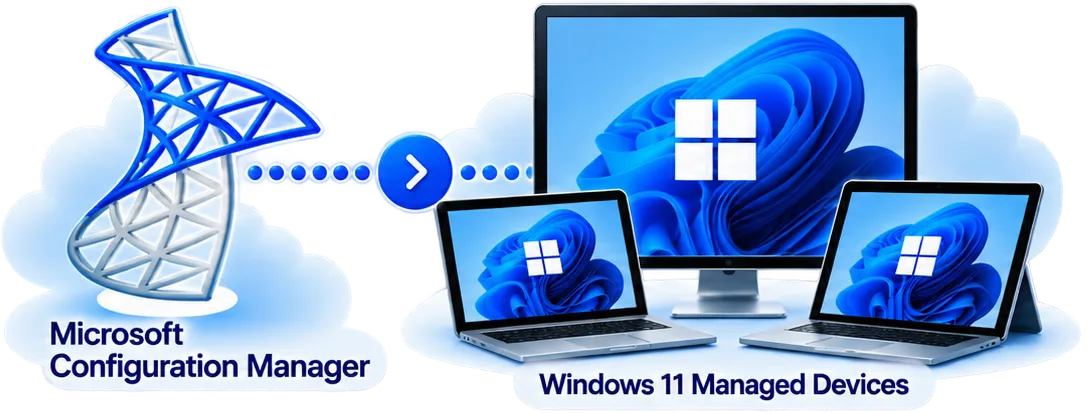
Bridge Traditional and Modern Application Management
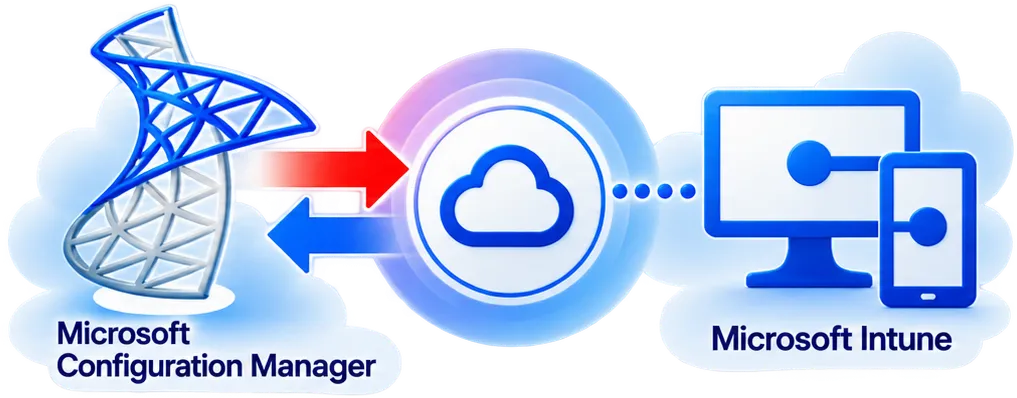
Prepare, configure, test and deploy applications reliably through Microsoft Configuration Manager.

Analyze installers, dependencies, prerequisites and deployment requirements.
Create standardized MSI packages for automated enterprise deployment.
Build flexible PowerShell deployment wrappers for complex applications.
Configure registry, files, shortcuts, transforms and enterprise settings.
Create reliable application detection and deployment requirement logic.
Identify and configure prerequisites and supporting components.
Validate installation, functionality, upgrade and uninstall behavior.

Investigate packaging, distribution and deployment failures.
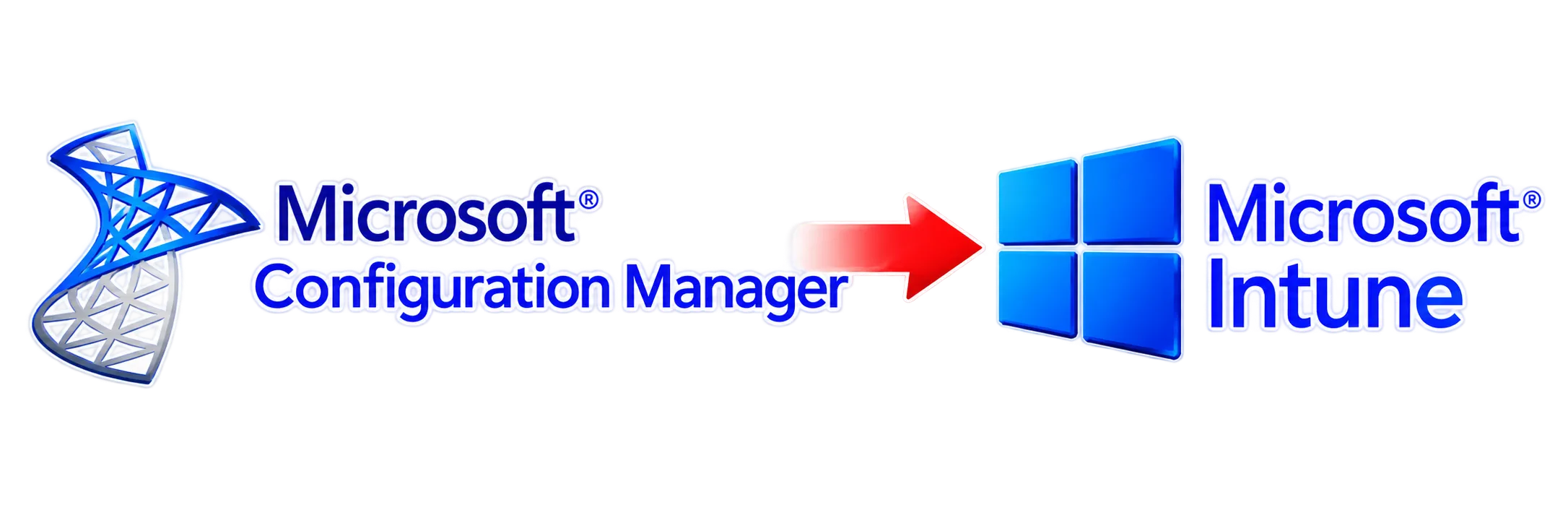
Assess Configuration Manager applications and prepare suitable applications for Intune.
Successful enterprise deployment depends on more than the platform. Applications must be properly packaged, configured, tested, and maintained.
APP Packagers bridges the gap between vendor installation media and Microsoft Configuration Manager—preparing standardized, deployment-ready applications for enterprise environments.
Package. Configure. Distribute. Deploy with Confidence.
Ready to Streamline Your Configuration Manager Applications?
Contact APP Packagers Today